57
8.8.7 Firmware update
Preparation of firmware update package
Contact the supplier or Sungrow to get the update package (. zip file) and store
the package in the specified path.
Path (Android system): root directory /iscFiles.
Storage method (iOS system): Connect the mobile phone to the computer
through a data cable, find the folder iSolarCloud application via iTunes,
iMazing, or iTools, and copy the update package to the folder
"Document/update".
Update
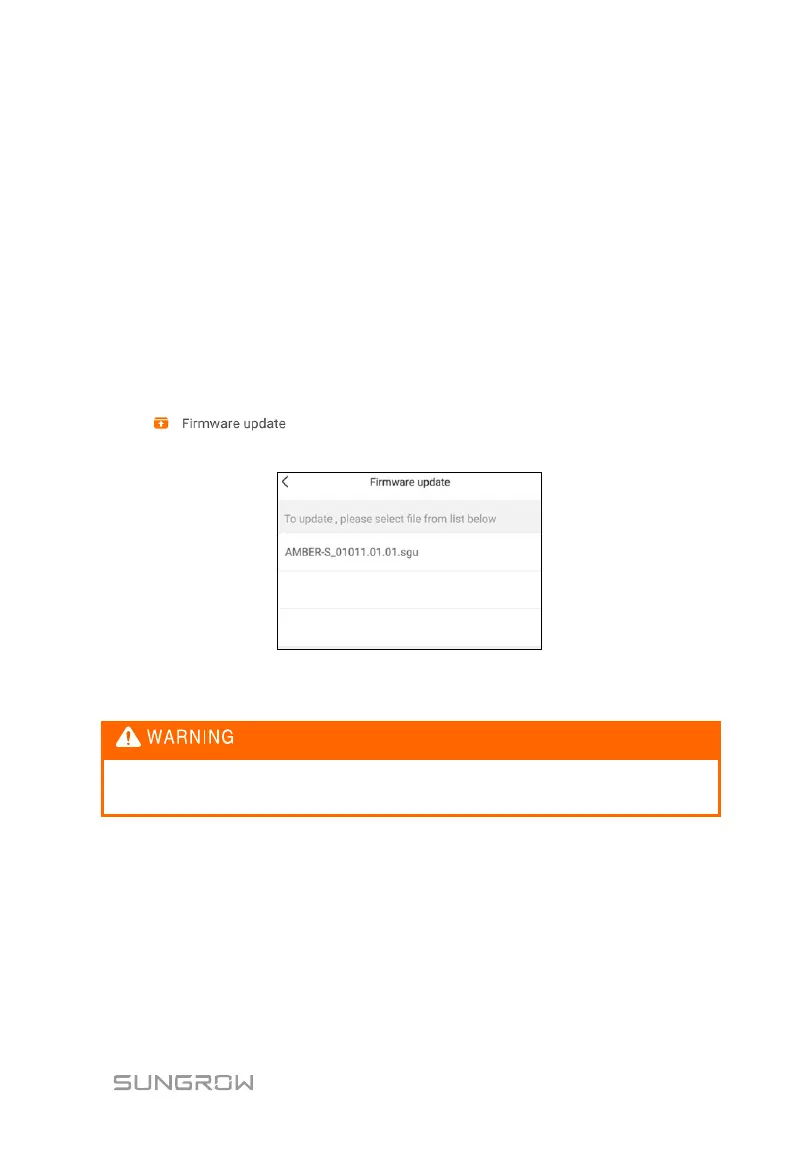
Tap " " to enter the firmware update screen, as shown in the
following figure.
Fig. 8-12 Firmware upgrade
Select the desired update package to upgrade the firmware.
Software update may cause inverter exception. Only professional
personnel can updatethe software.
8.9 Configuring BMS Data Sources
Step 1 Enter the “Communication Parameters” interface and modify the baud
rate, parity and data bits according to the communication protocol.


 To Next Page