47
The PCS is in hot standby state. After setting the start
instruction, it can respond quickly and output power
The stop state triggered by stop instruction sent by the APP or
PC
If a fault occurs, PCS will automatically stop operation,
disconnect the AC relay. The fault information will be displayed
in the app. Once the fault is removed in recovery time, PCS will
automatically resume running.
Stop triggered through external stop button
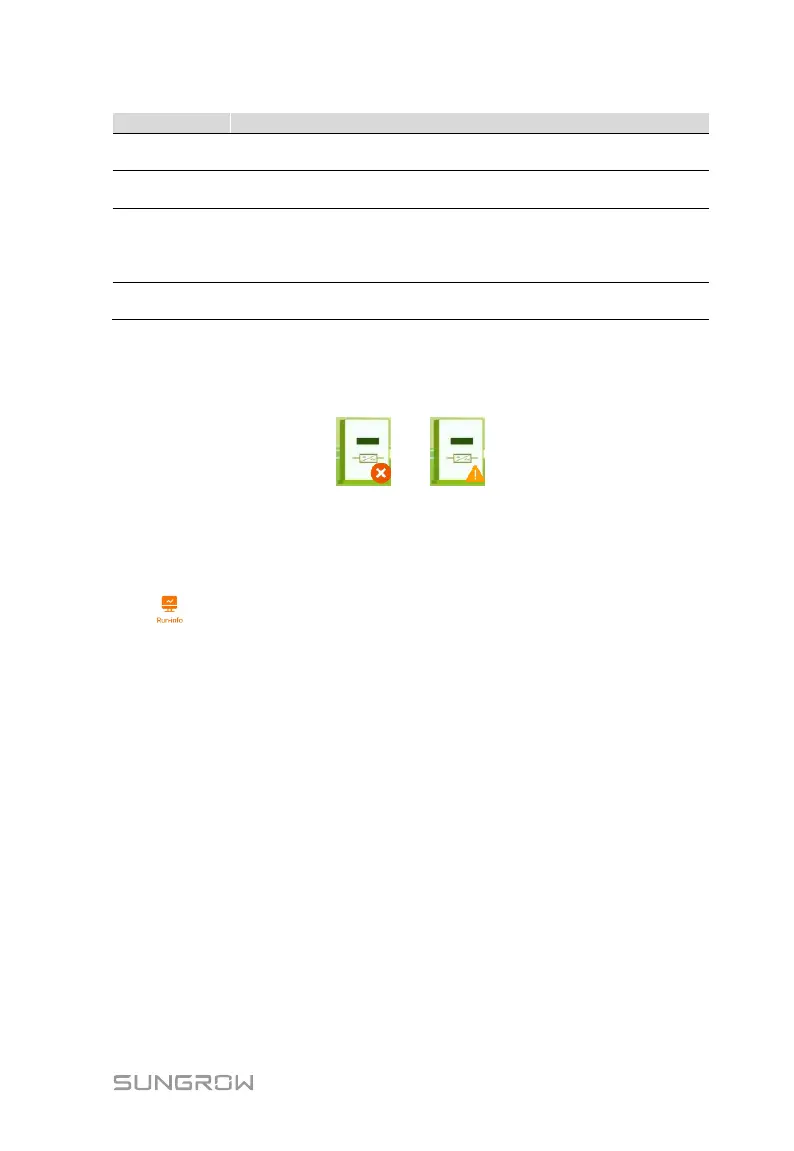
If the PCS is running abnormally, the alarm or fault icon will be displayed in the
lower right corner of the PCS icon in the middle of the screen. The user can tap
this icon to enter the alarm or fault screen to view detailed information and
corrective measures.
8.6 Running Information
Tap" “on the navigation bar to enter the running information screen, as
shown in the following figure.


 To Next Page