45
Enter "user" or "admin" in the username bar according to the
current user permission. For details, refer to 1.3 User Permission.
The initial password is "pw1111" which should be changed for the
consideration of account security.
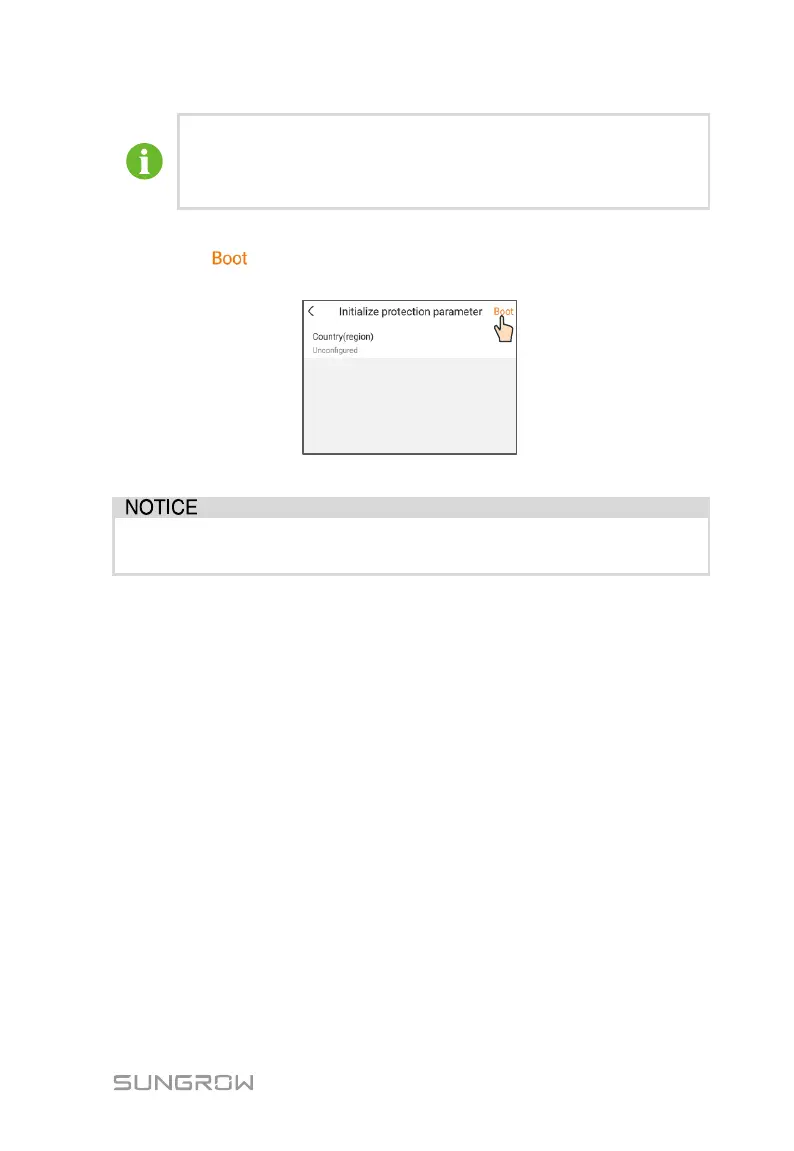
Step 4 If the PCS is not initialized, you will enter the initialization protection
parameter quick setting interface. After setting the quick setting interface,
click “ ” and the device will be initialized. The App will send start
instructions and the device will start and operate.
Fig. 8-4 Initialization protection parameter
If the country code is not set correctly during commissioning, reset the
protection parameters. There may be faults unless this is done.
Step 5 If the PCS is initialized, the app automatically turns to its homepage.
8.5 Home page
After login, the home page is as follows:


 To Next Page