12
为避免在连续模式和自动感应模式中同一条码被连续识读多次,可以要求识读引擎在延时设定时长后才允许
识读相同条码。
相同读码延时,是指读到一个条码后,在设定的时长内,拒读同一条码。只有在超过时长后,才可以识读并
输出。默认:500,单位:100ms,范围:0-9900ms
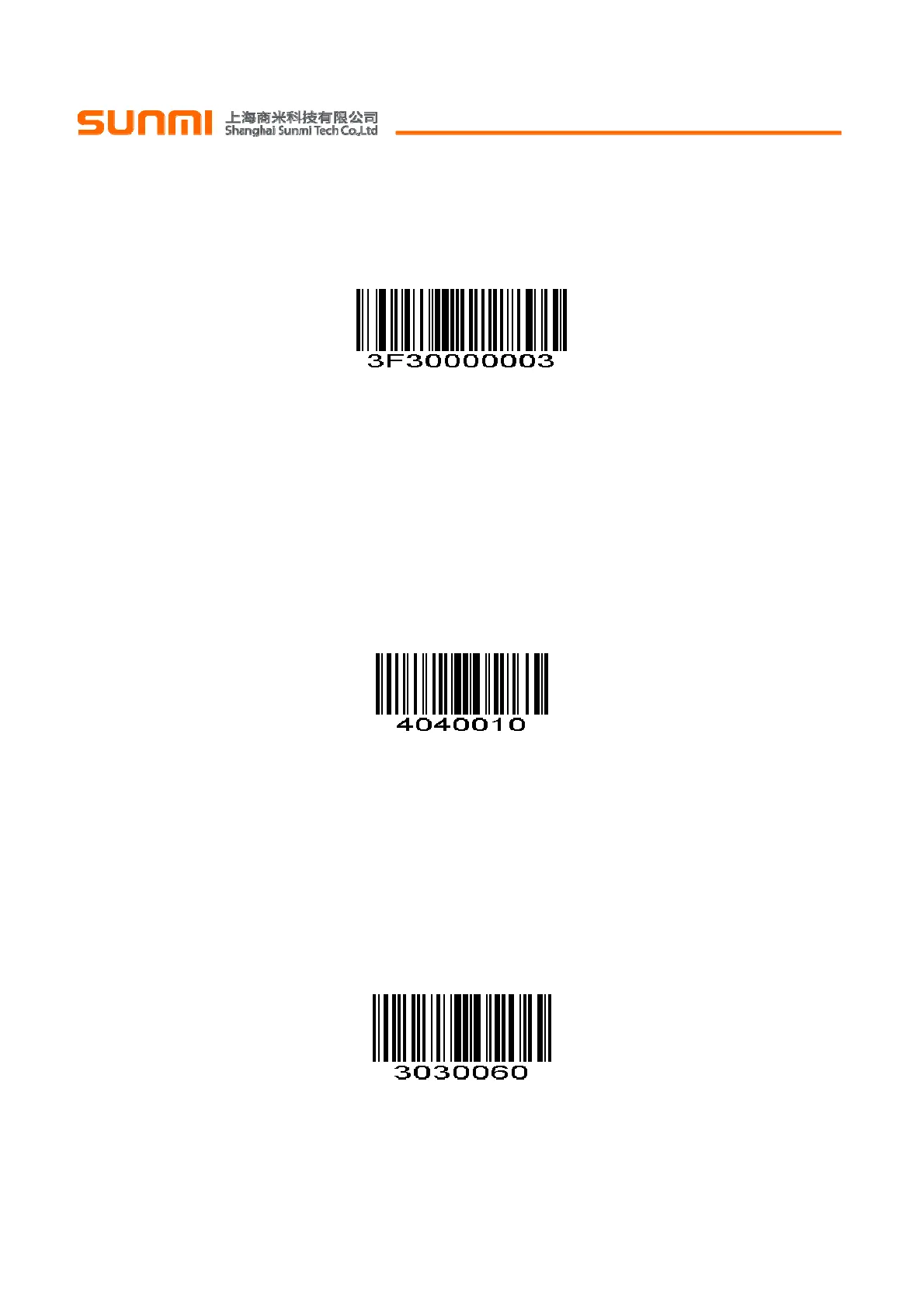
为了设置相同读码延时,扫描下面的条码。接下来扫描附录中的两个
数字设置码
来对应所需的超时。不足位
用 0 补齐。例如,设定 0.5 秒的超时,扫描下面的条码,然后扫描“0”和“5”的条形码。改变选择或者取消不正确
的输入设置,扫描附录中的
取消条形码
。
相同读码延时 Output Interval of The Same Code
For example:
Set output interval of the same code is 200ms
Scan output interval of the same code setting code,then scan Numeric Bar Codes to set 0 and 2
如:
设置相同读码延时 200ms。
先扫描相同读码延时设置码,再扫描
数字设置码
0 和 2。
Set output interval of the same code is 1500ms
Scan output interval of the same code setting code,then scan Numeric Bar Codes 1 and 5
设置相同读码延时 1500ms
先扫描相同读码延时设置码,再扫描
数字设置码
1 和 5。
Output Product Information 输出产品信息
Output Character Set Type 输出字符集类型
0: Primitive Type
1:GBK(GB2312)
2: UTF8
Default: 0(Primitive Type)
0:原始类型,
1:GBK(GB2312)
2:UTF8
默认:0(原始类型)
*Primitive Type 原始类型
(0x00)


 To Next Page