27
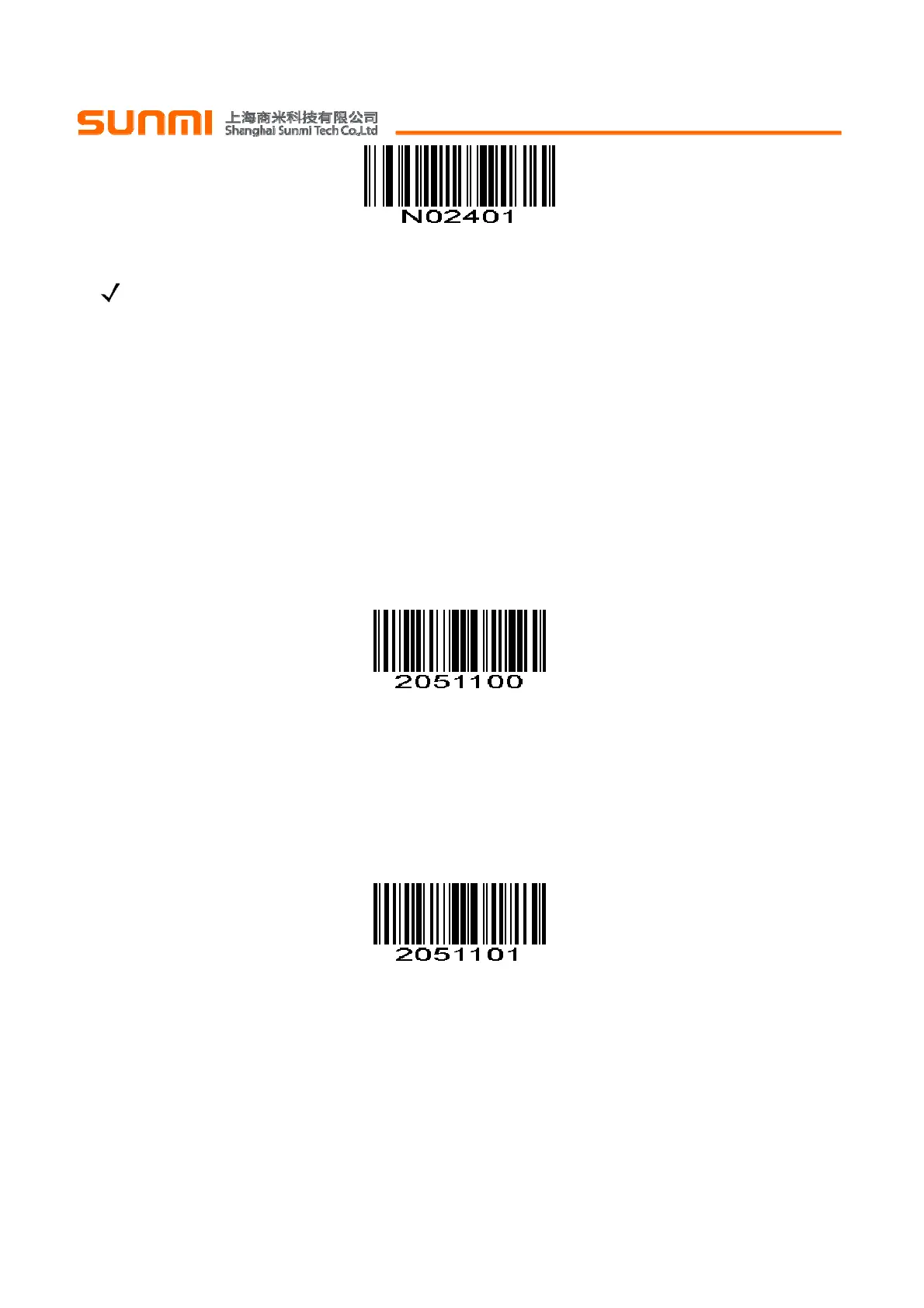
Bookland ISBN-13
(0x01)
NOTE For Bookland EAN to function properly, first enable Bookland EAN using Enable/Disable
Bookland EAN, then select either Decode UPC/EAN Supplementals, Autodiscriminate UPC/EAN
Supplementals, or Enable 978/979 Supplemental Mode in Decode UPC/EAN Supplementals .
注:为了Bookland EAN正常运行,首先使用
使能
/
禁止
Bookland EAN使能Bookland EAN,然后从
解
码
UPC/EAN
附加码
选择解码UPC / EAN附加码,自动区分UPC / EAN附加码或使能978/979补充模式。
UPC/EAN Security Level UPC/EAN 安全级别
The scan engine offers four levels of decode security for UPC/EAN bar codes. Increasing levels of
security are provided for decreasing levels of bar code quality. Increasing security decreases the scan
engine’s aggressiveness, so choose only that level of security necessary for the application.
scan engine 为UPC/EAN条码提供四种解码安全水平,当条码质量差时,需要提高安全级别。提高安全性
降低识读引擎的误码率,所以要根据实际应用选择适当的安全级别。
UPC/EAN Security Level 0
UPC/EAN 安全级别 0
This default setting allows the scan engine to operate in its most aggressive state, while providing
sufficient security in decoding most “in-spec” UPC/EAN bar codes.
此默认设置使识读引擎的可攻性最高,同时为解码最“in-spec” UPC/EAN条形码提供足够的安全。
*UPC/EAN Security Level 0 UPC/EAN安全级别0
(0x00)
UPC/EAN Security Level 1 UPC/EAN 安全级别 1
As bar code quality levels diminish, certain characters become prone to mis-decodes before others (i.e.,
1, 2, 7, 8). If mis-decodes of poorly printed bar codes occur, and the mis-decodes are limited to these
characters, select this security level.
随着条形码的质量水平降低,某些字符变得容易发生误解码(即,1,2,7, 8)。如果印刷质量差的条形
码发生错误解码,并且误解码是仅限于这些字符,选择该安全级别。
UPC/EAN Security Level 1 UPC/EAN安全级别1
(0x01)
UPC/EAN Security Level 2 UPC/EAN 安全级别 2
If mis-decodes of poorly printed bar codes occur, and the mis-decodes are not limited to characters 1, 2,
7, and 8, select this security level.
如果印刷质量差的条形码发生错误解码,并且该错误解码不限于字符1,2,7和8,选择该安全级别。


 To Next Page