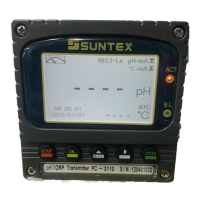
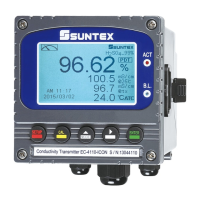
6.14 Backlight settings
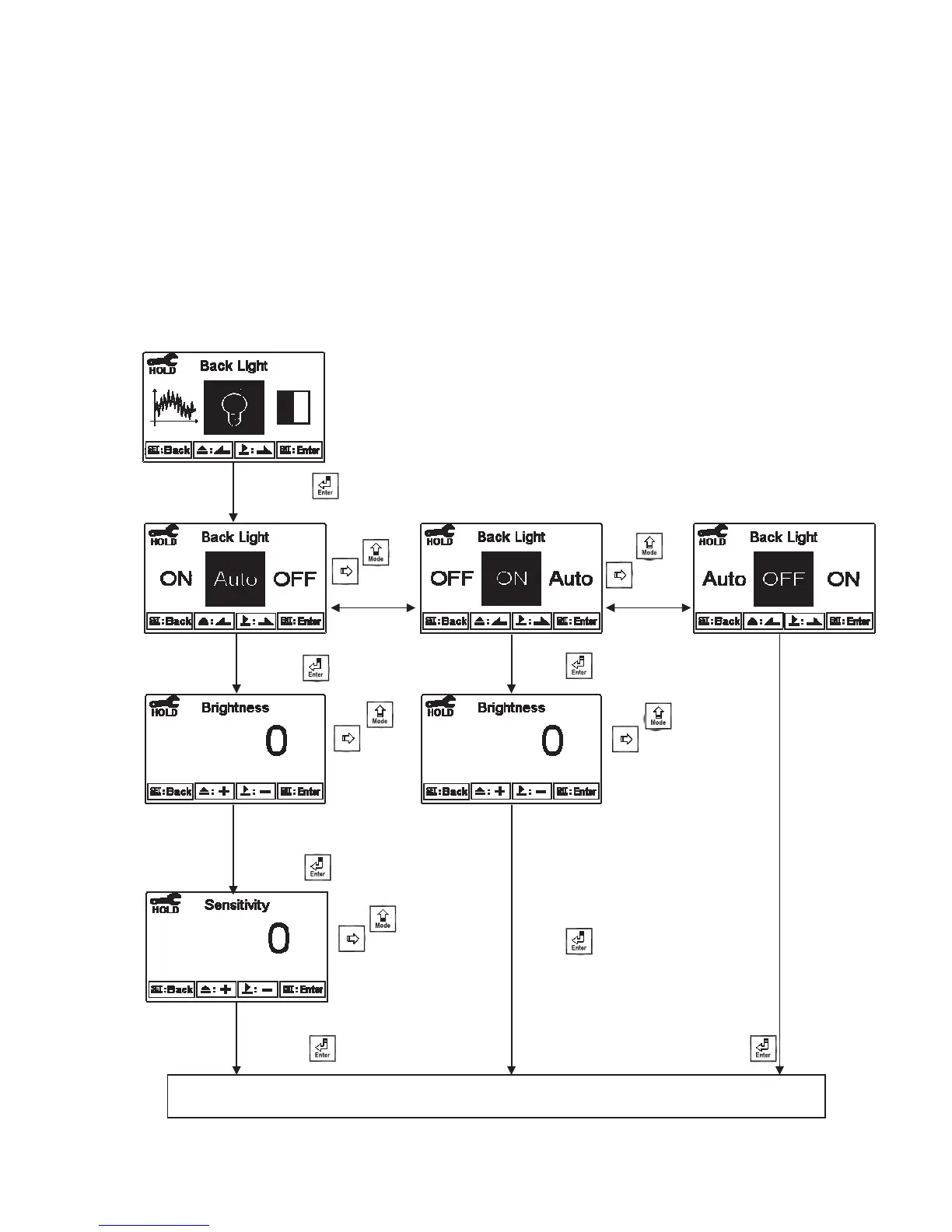
Enter setup of backlight display. According to your need, you can set the brightness of
display(-2~2, dark~bright) and sensitivity of the sensitization sensor(-2~2,
insensitive~sensitive). Where there is a keystroke, then activate the touch-on backlight
function. Regardless of what kind of backlight mode, the touch-on function will
activate the backlight. If there is no keystroke for 5 seconds, the display will back to the
original backlight setting status.
ON setting: The backlight is always on.
OFF setting: The backlight is off. When there is a keystroke, it enters to the touch-on status.
Auto setting: According to the ambient light, activate or deactivate the backlight. When there is a
keystroke, it enters to the touch-on status.
Press or
toselect
backlight mode.
Enter “Contrast” Setup
Pressġ or ġġ
to
select -2, -1, 0,
1, 2, five
backlight
brightness
levels
Press or
to select
backlight mode.
Press to confirm it.
Press to confirm it.
Press to confirm it.
Press to confirm it.
Press to confirm it.
Press to confirm it.
Press to confirm it.
Pressġ or ġġ
to select
-2, -1, 0, 1, 2,
five backlight brightness
levels
Pressġ or ġġ
to select
-2, -1,0,1,2, five
Backlit sensitization
levels.
мп



 To Next Page