7.1 Enter calibration setup menu
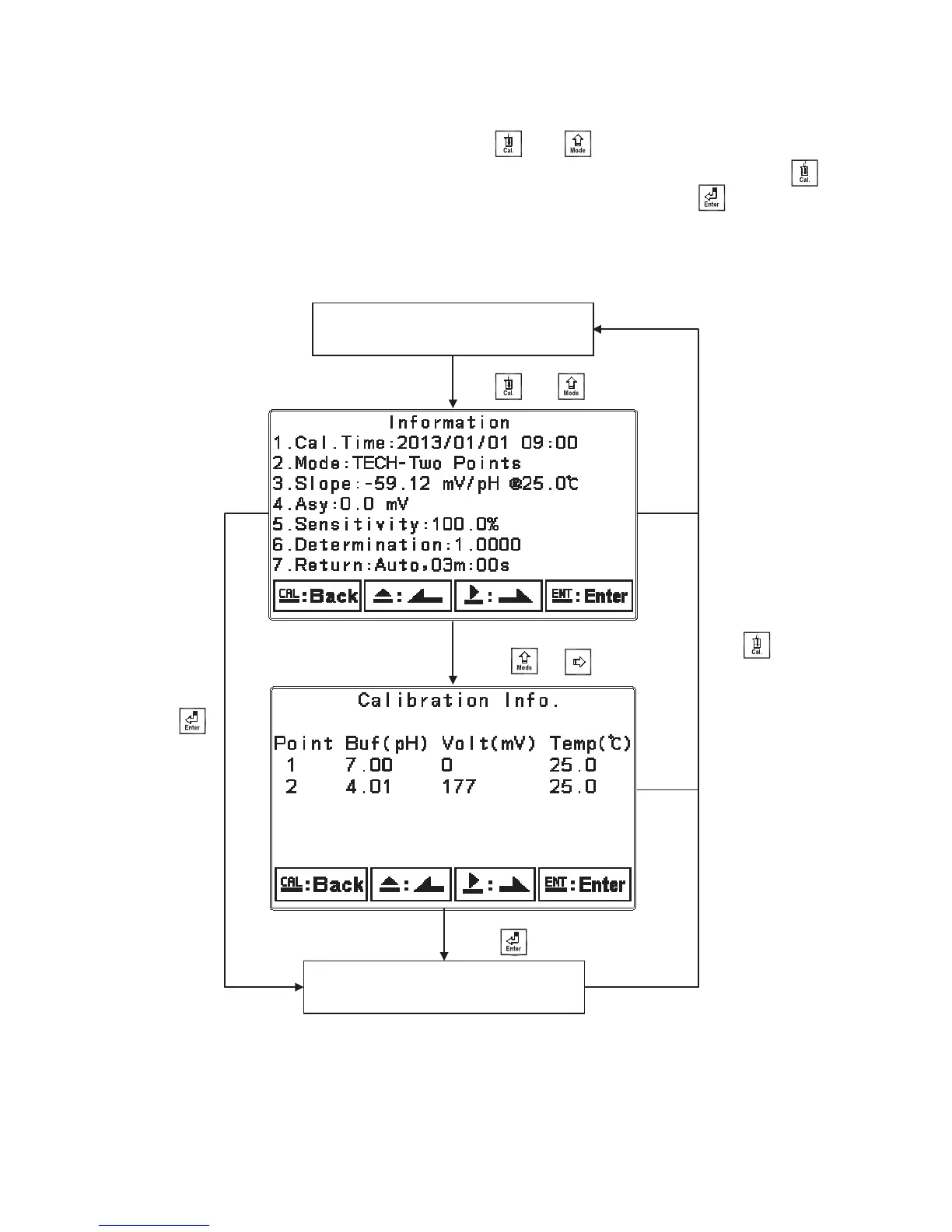
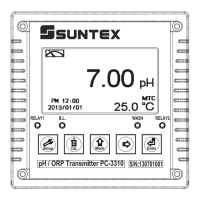
In the measurement mode, pressing the two keys and simultaneously allows you enter
theġCalibration Information. If you do not need to re-calibrate the measurement system, press
to go back to measurement mode. If you need to re-calibrate the system, press to enter to the
calibration setup menu. (If the calibration time shows “OFF”, it represents that the clock function
has been turned off.)
Press to go back to
measurement mode
Measurement mode
Enter Calibration setup menu
Press and simultaneously
Press or
Press to confirm it.
Press
нй


 To Next Page