MPC-385 SERIES OPERATION MANUAL – REV. 3.21K (20201120)
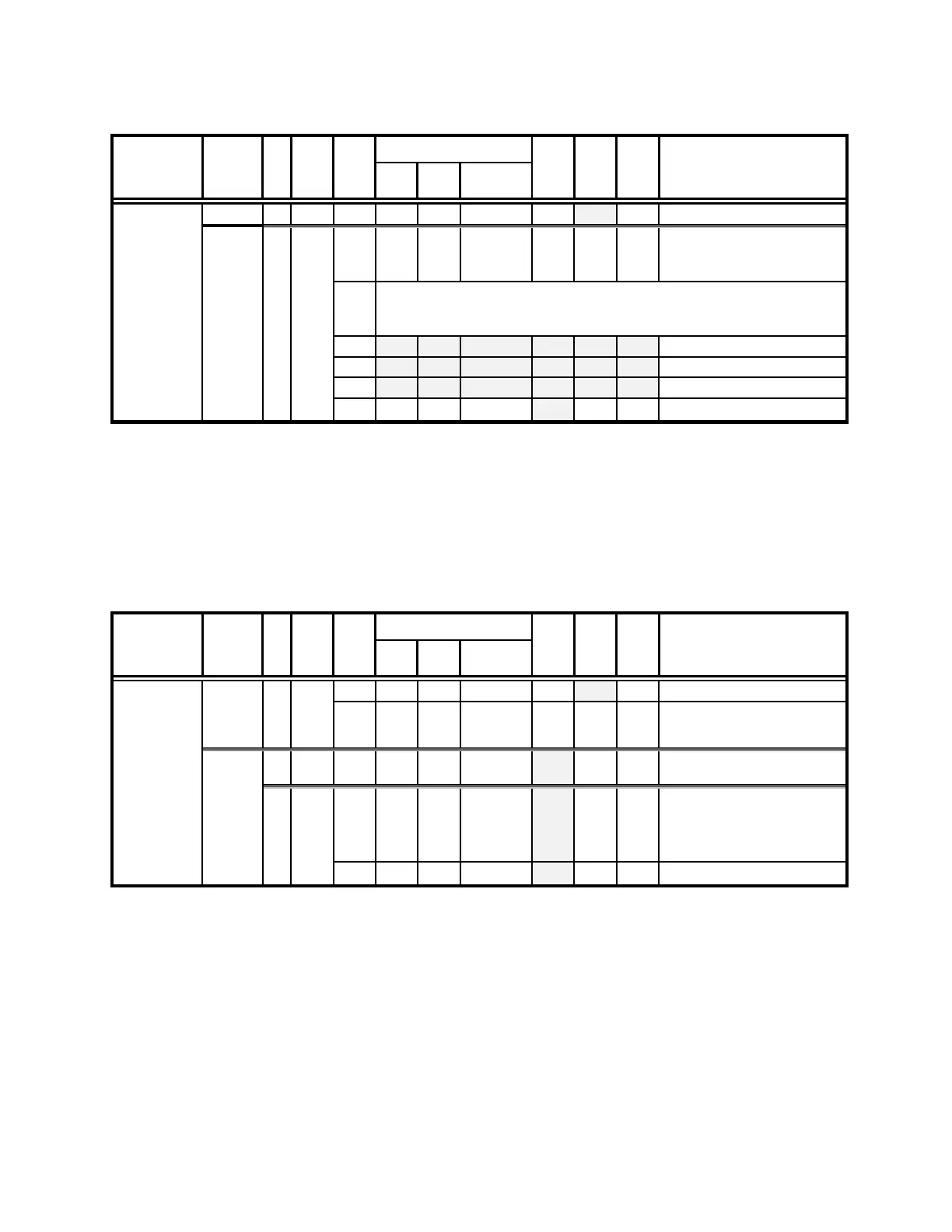
Table 5-8. Get Current Position (‘C’) command.
Get Current
Position (‘C’)
-
04
–
0000 0100
-
^D
-
<EOT>
Drive number (1 – 4) to
which t
he current position
Three 4-byte (32-bit) values (current positions in µsteps of X, Y, & Z) + 1
byte for completion indicator. See
Ranges and bounds
table
for minimum
and maximum values.
5.8.5 Change Active Device (‘I’) Command
This command is used to change which device (1- 4) is currently active. The command
sequence consists of one byte as shown in the following table, and returns 1 (Ver. below 1.06)
or 2 bytes: 1
st
byte containing specified device number if it exists or ASCII ‘E’ (for “error”) if
not, and the completion indicator (1 byte).
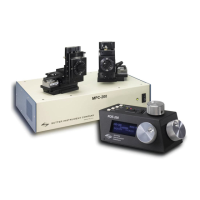
Table 5-9. Change Active Device (‘I’) command.
Change
Active Device
(‘I’)
-
-
-
-
-
Device number (by value) to
change (1 throu
gh 4)
Task-completion indicator
or
69
-
04
or
-
0000 0100
or
-
^D
-
<4>
or
If device specified exists,
then dev
ice number (1-4) is
Else, ‘E’ (error) is
turned.
5.8.6 Move to Controller-Defined HOME Position (‘H’) Command
This command moves to the position last defined by the HOME key. Movement is equivalent
to pressing the HOME key.


 To Next Page