62
MPC-385 SERIES OPERATION MANUAL – REV. 3.21K (20201120)
movements for supported devices using orthogonal
move commands.
Table E-8. Travel speeds.
* The same applies also to the 3DMS & MPC-78 stages, MT-800-
based translators, and SOM & MOM objective movers.
Other devices: MP-225/M, MP-245[S]/M, MP-845[S]/M, MP-
865/M. & MP-265/M micromanipulators; and MPC-x8 series
stages: 3 (single axis), 4.2 (double axis), &
5.1 (triple axis) mm/sec. movement.
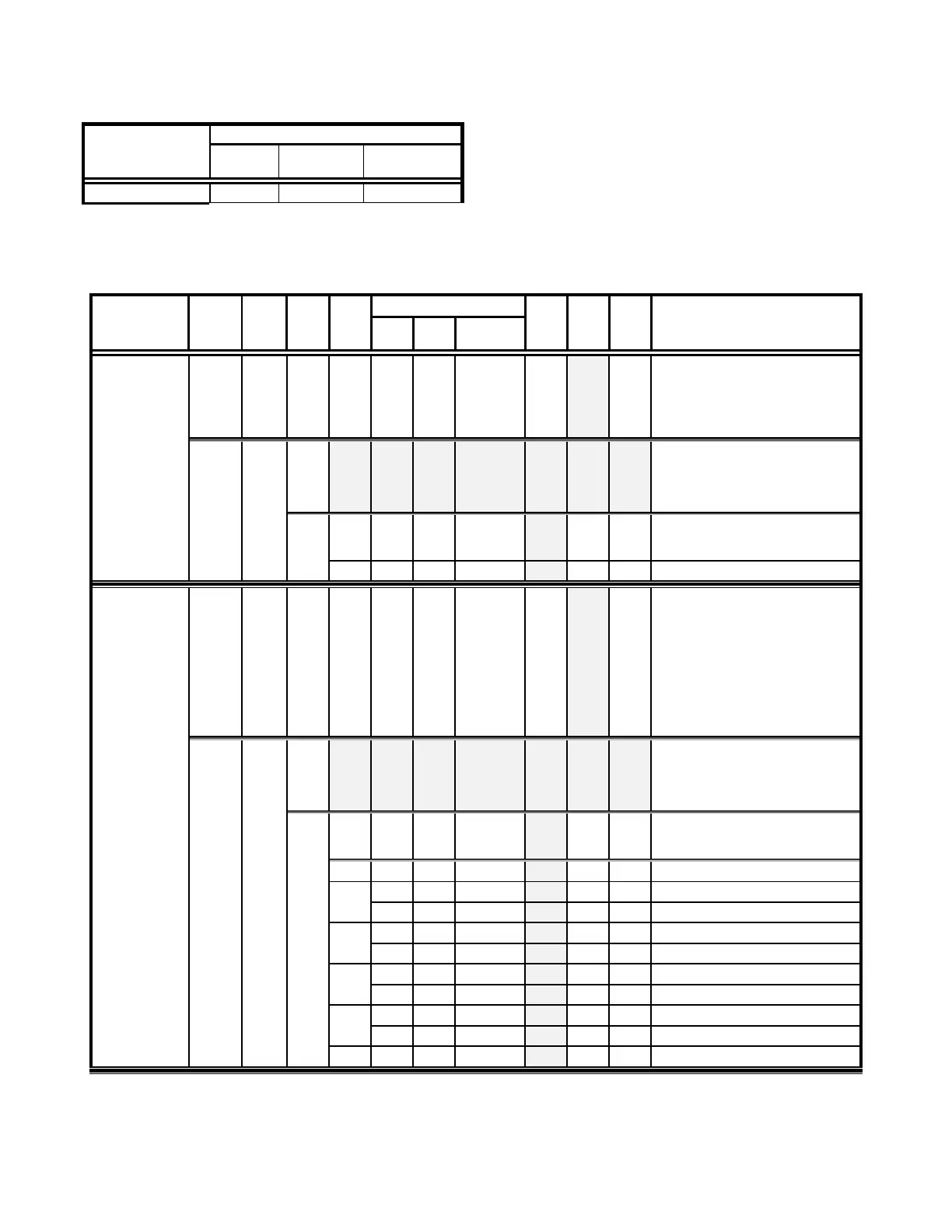
Command Reference: The following table lists all the
external-control commands for the MPC-385 (MPC-
200).
Table E-9. MPC-200 external-control commands.
Get
Connected-
Devices Status
(‘A’)
(FW <3)
Returns the number of devices
connected (0-4).
NOTE: This command is replaced
by the next command (‘U’) in
Firmware Ver. 3 and above.
Zero bytes = no devices
co
nnected. ROE displays “NO
ANIPULATOR
-
-
–
-
-
Number of devices connected
Get
Connected-
Devices Status
(‘U’)
(FW 3+)
Returns the number of devices
connected (0-4), and the
connected status of Ports 1 - 2
(1
st
controller) and 3 - 4 (2nd
controller daisy chained to the
first).
NOTE: This command replaces the
previous command (‘A’) in
Firmware Ver. 3 and above.
Zero bytes = no devices
co
nnected. ROE displays “NO
ANIPULATOR
-
-
–
-
-
Number of devices connected
Device # Connected Status
1
2
3
4


 To Next Page