14 ADJUSTING SETTINGS
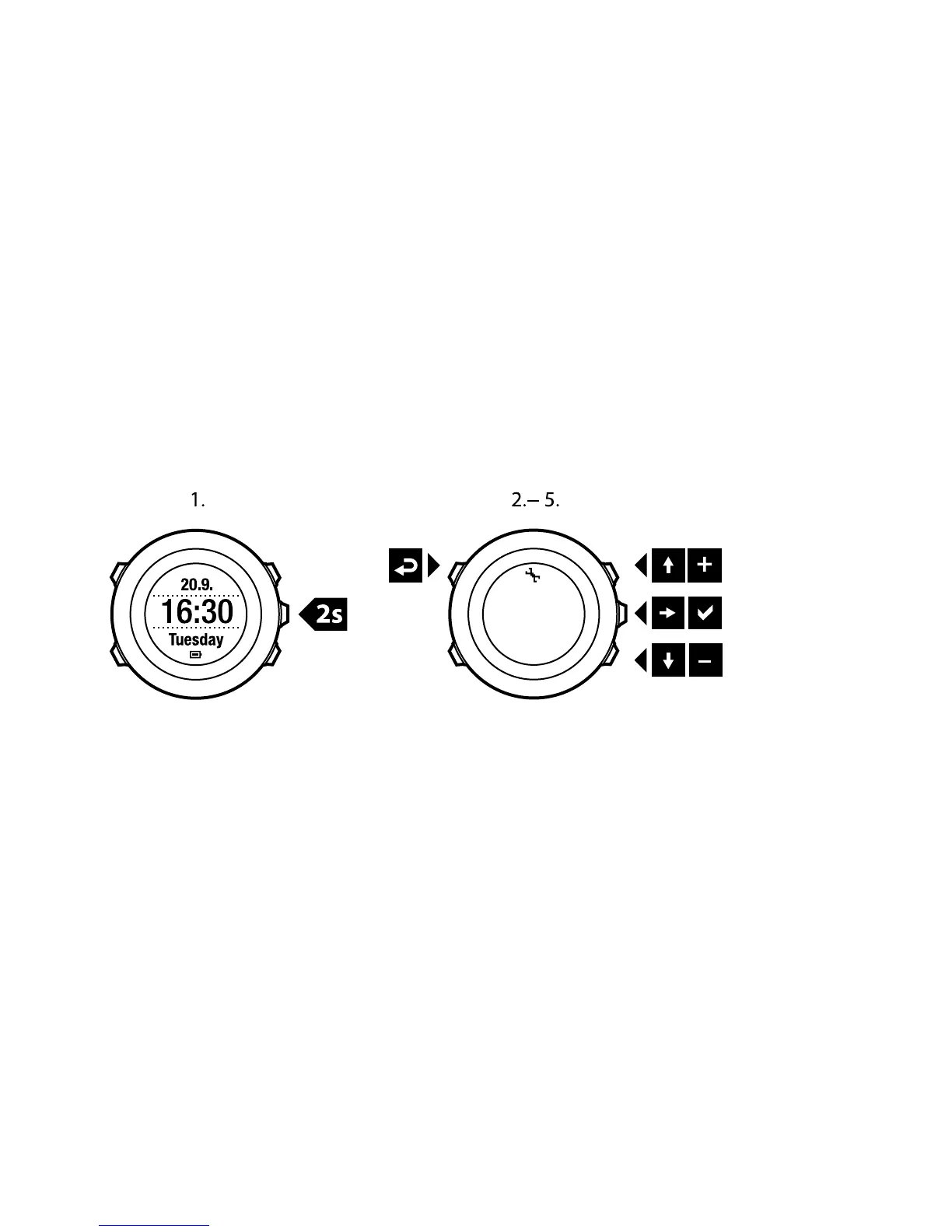
To access and adjust the settings:
1. Keep [Next] pressed to enter the options menu.
2. Scroll the menu with [Start Stop] and [Light Lock].
3. Press [Next] to enter a setting.
4. Press [Start Stop] and [Light Lock] to adjust the setting values.
5. Press [Back Lap] to return to the previous view in the settings, or keep [Next]
pressed to exit the options menu.
You can access the following options:
PERSONAL settings
●
Weight
●
Max HR
NAVIGATION
●
POIs (Points of interest)
●
Location
●
Routes
GENERAL settings
102















 To Next Page