6 CUSTOMIZING YOUR SUUNTO AMBIT2
6.1 Connecting to Movescount
Movescount.com is your free personal diary and online sports community that
offers you a rich set of tools to manage your daily activities and create engaging
stories about your experiences. Movescount allows you to transfer your
recorded exercise logs from your Suunto Ambit2 to Movescount and customize
the device to best meet your needs.
TIP: Connect to Movescount to get the latest software to your Suunto Ambit2,
in case there is an update available.
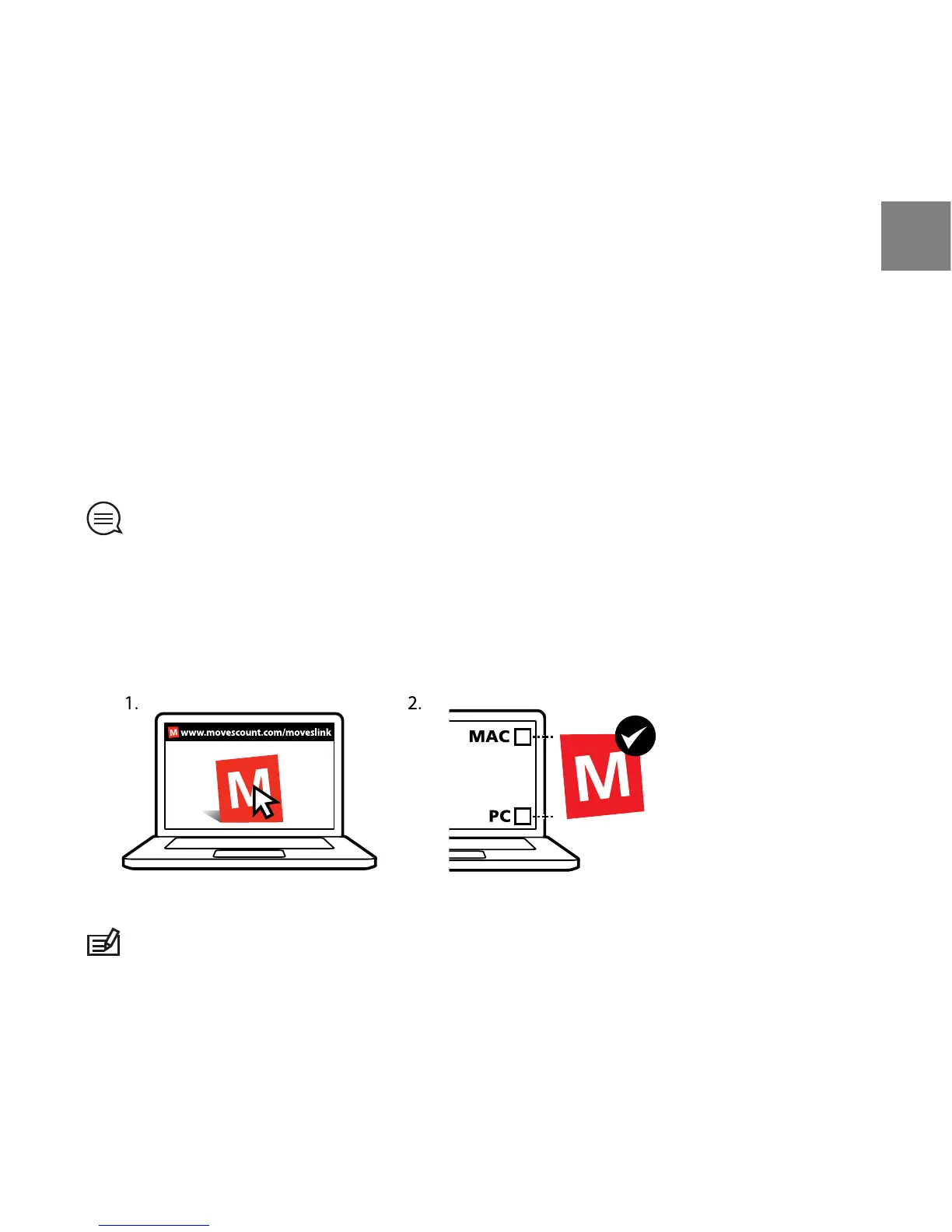
Start by installing Moveslink:
1. Go to www.movescount.com/moveslink.
2. Download, install and activate the latest version of Moveslink.
NOTE: A Moveslink icon is visible on your computer's display when Moveslink
is active.
15
en















 To Next Page