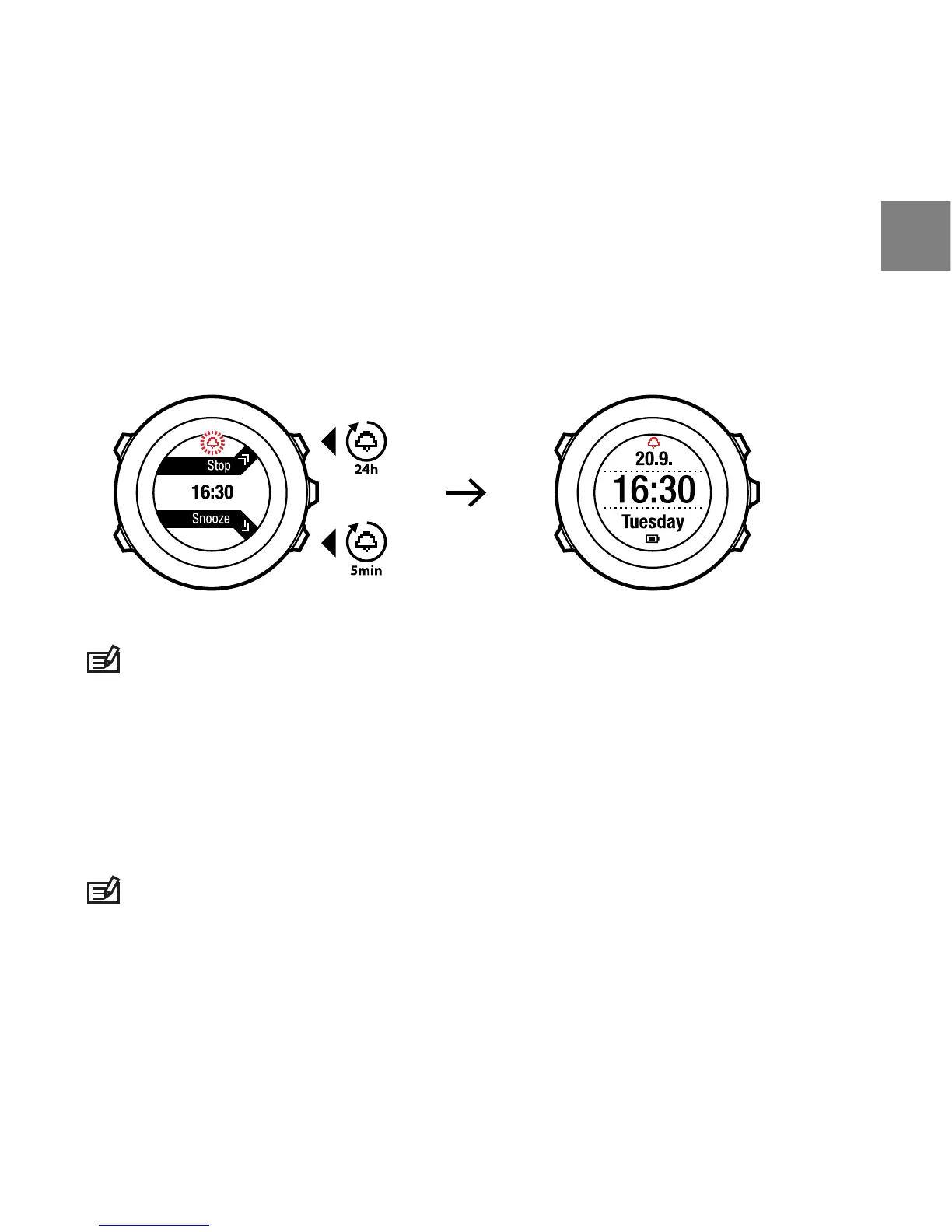
When the alarm sounds, you can:
●
Select Snooze by pressing [Light Lock]. The alarm stops and restarts every
5 minutes until you stop it. You can snooze up to 12 times for a total of 1
hour.
●
Select Stop by pressing [Start Stop]. The alarm stops and restarts the same
time the following day, unless you switch the alarm off in the settings.
NOTE: When snoozing, the alarm icon blinks in TIME mode.
7.2 Using GPS timekeeping
GPS timekeeping corrects the offset between your Suunto Ambit2 and the
GPS time. GPS timekeeping corrects the time automatically once a day, or after
you have adjusted the time manually. Also the dual time is corrected.
NOTE: GPS timekeeping corrects the minutes and seconds, but not the hours.
25
en















 To Next Page