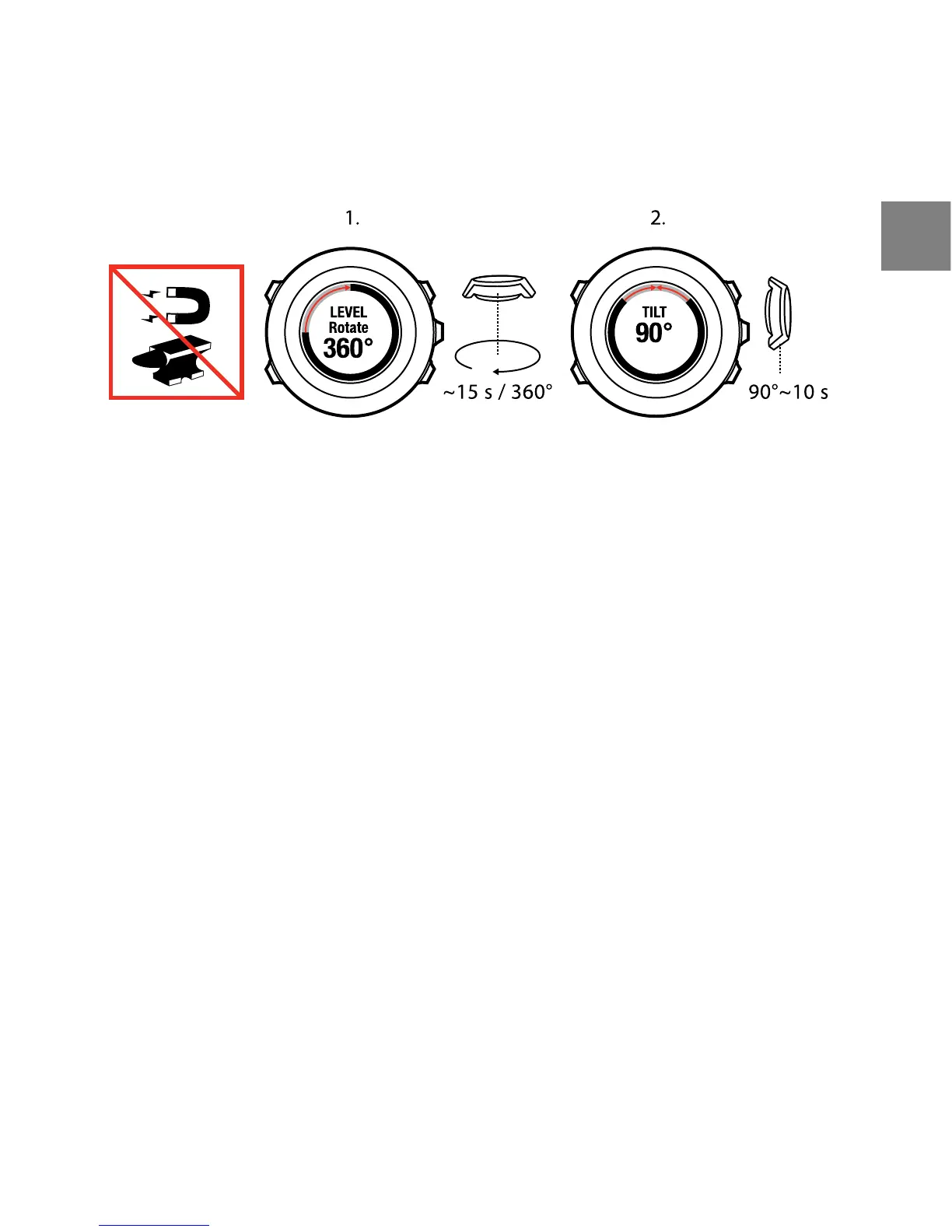
10.2 Setting declination value
To ensure correct compass readings, set an accurate declination value.
Paper maps point to true north. Compasses, however, point to magnetic north
– a region above the Earth where the Earth’s magnetic fields pull. Because
magnetic North and true North are not at the same location, you must set the
declination on your compass. The angle in between magnetic and true north
is your declination.
The declination value appears on most maps. The location of magnetic north
changes yearly, so the most accurate and up-to-date declination value can be
obtained from the internet (for example www.magnetic-declination.com).
Orienteering maps, however, are drawn in relation to magnetic north. This
means that when you are using orienteering maps you need to turn the
declination correction off by setting the declination value to 0 degrees.
To set the declination value:
1. Keep [Next] pressed to enter the options menu.
2. Press [Next] to enter GENERAL.
3. Scroll to Compass using [Light Lock] and select with [Next].
4. Scroll to Declination with [Light Lock] and select with [Next].
63
en















 To Next Page