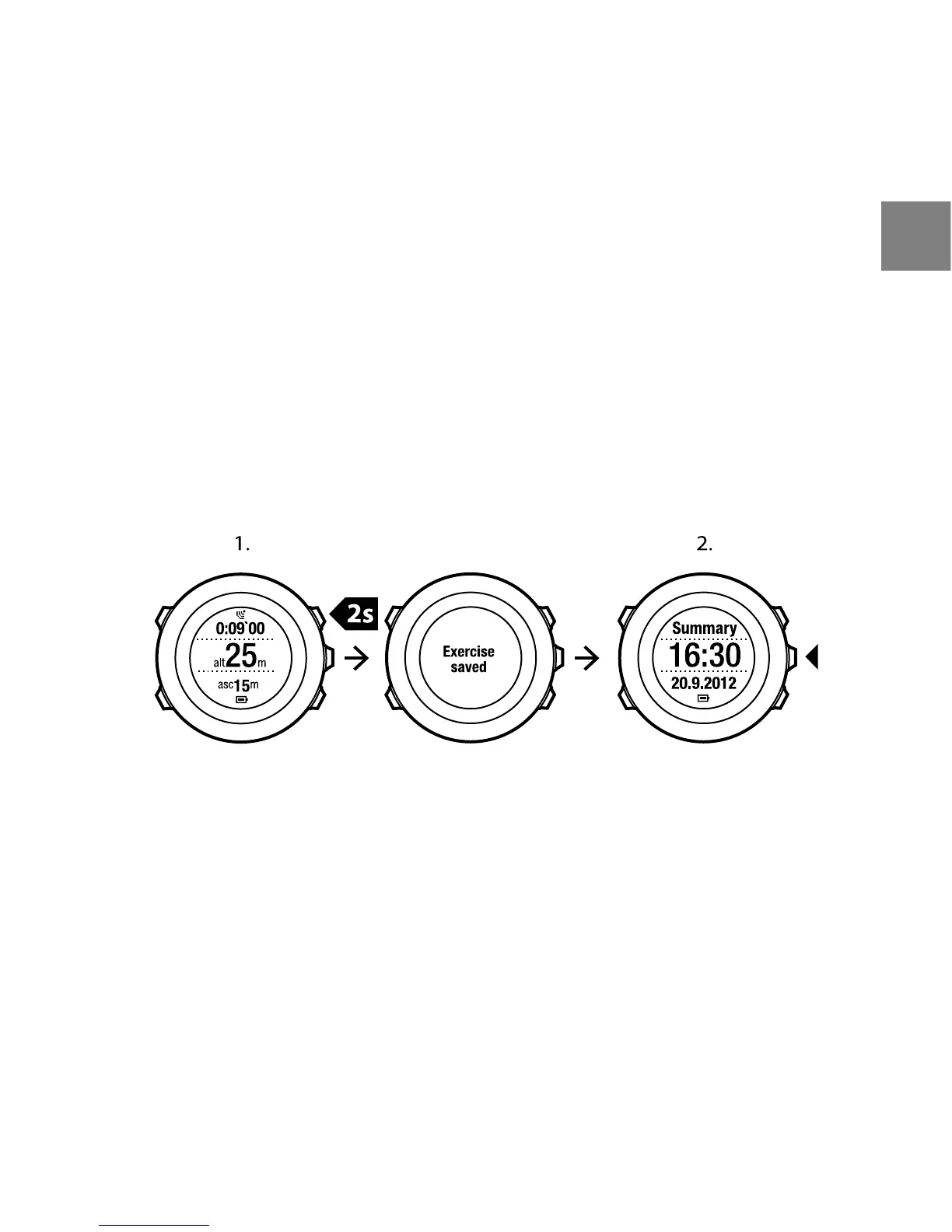
12.7 Viewing logbook after exercise
You can view the summary of your exercise after you have stopped recording.
To stop recording and view the summary information:
1. Keep [Start Stop] pressed to stop and save the exercise.
Alternatively, you can press [Start Stop] to pause the recording. After
pausing the log, confirm stopping by pressing [Back Lap], or continue
recording by pressing [Light Lock]. After stopping the exercise, save the
log by pressing [Start Stop]. If you do not want to save the log, press [Light
Lock].
2. Press [Next] to view the exercise summary.
You can also view the summaries of all your saved exercises in the logbook. In
the logbook the exercises are listed according to time and the latest exercise
is shown first. The logbook can store approximately 15 hours of exercises with
1 second’s GPS fix and data collection interval.
To view the summary of your exercise in the logbook:
1. Press [Start Stop] to enter the start menu.
2. Scroll to LOGBOOK with [Light Lock] and enter with [Next]. Your current
recovery time is shown.
87
en















 To Next Page