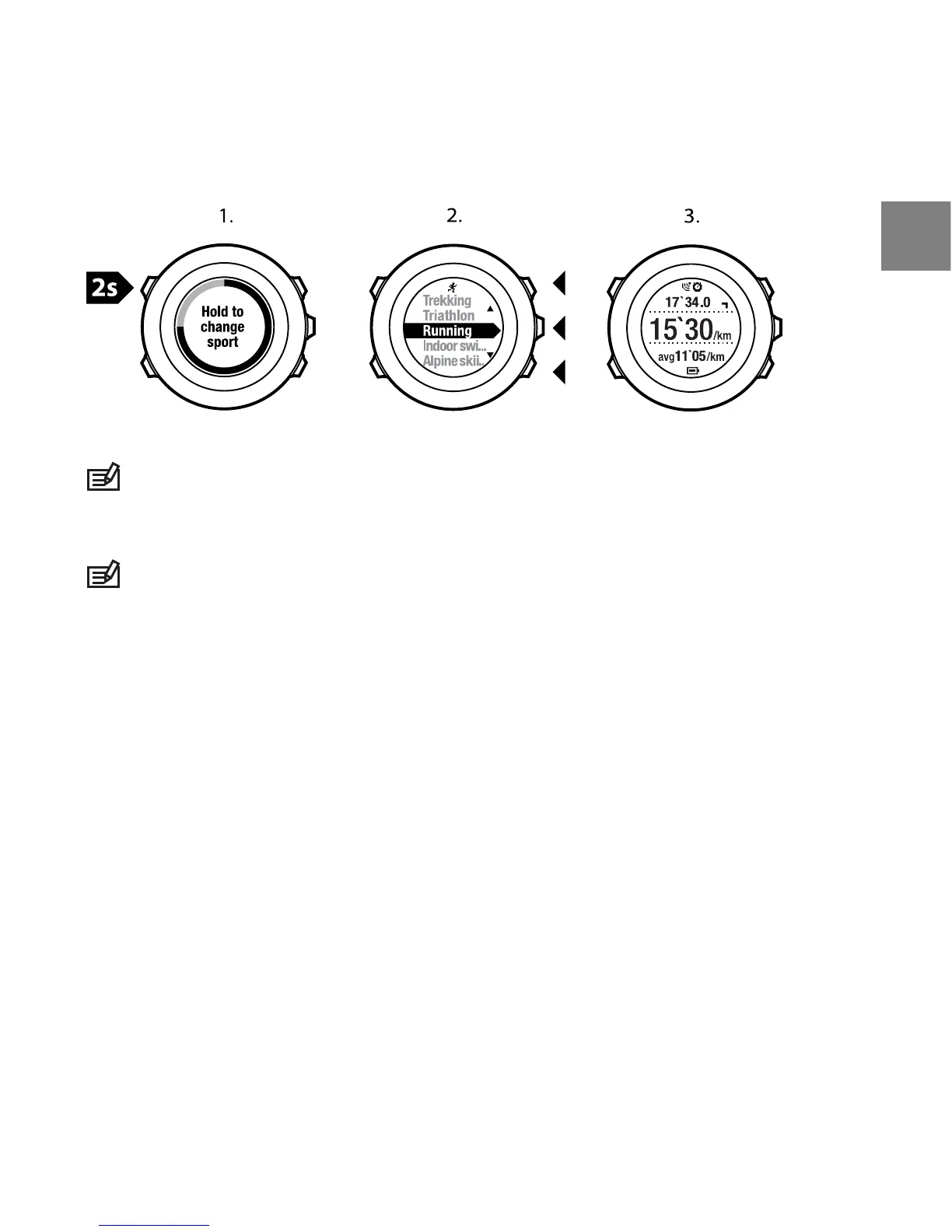
NOTE: Suunto Ambit2 makes a lap each time you switch to another sport
mode.
NOTE: The log recording is not paused when you switch to another sport mode.
You can pause the recording manually by pressing [Start Stop].
12.8.2 Using preconfigured multisport mode
You can create your own multisport mode in Movescount and download it to
your Suunto Ambit2. The multisport mode can comprise a number of different
sport modes in a specific order. Each sport included in the multisport mode
has its own interval timer. You can select Multisport, Adventure racing or
Triathlon as the multisport mode.
To use a preconfigured multisport mode:
1. Press [Start Stop] to enter the start menu.
2. Press [Next] to enter EXERCISE.
3. Scroll to the preconfigured multisport mode and select with [Next].
91
en















 To Next Page