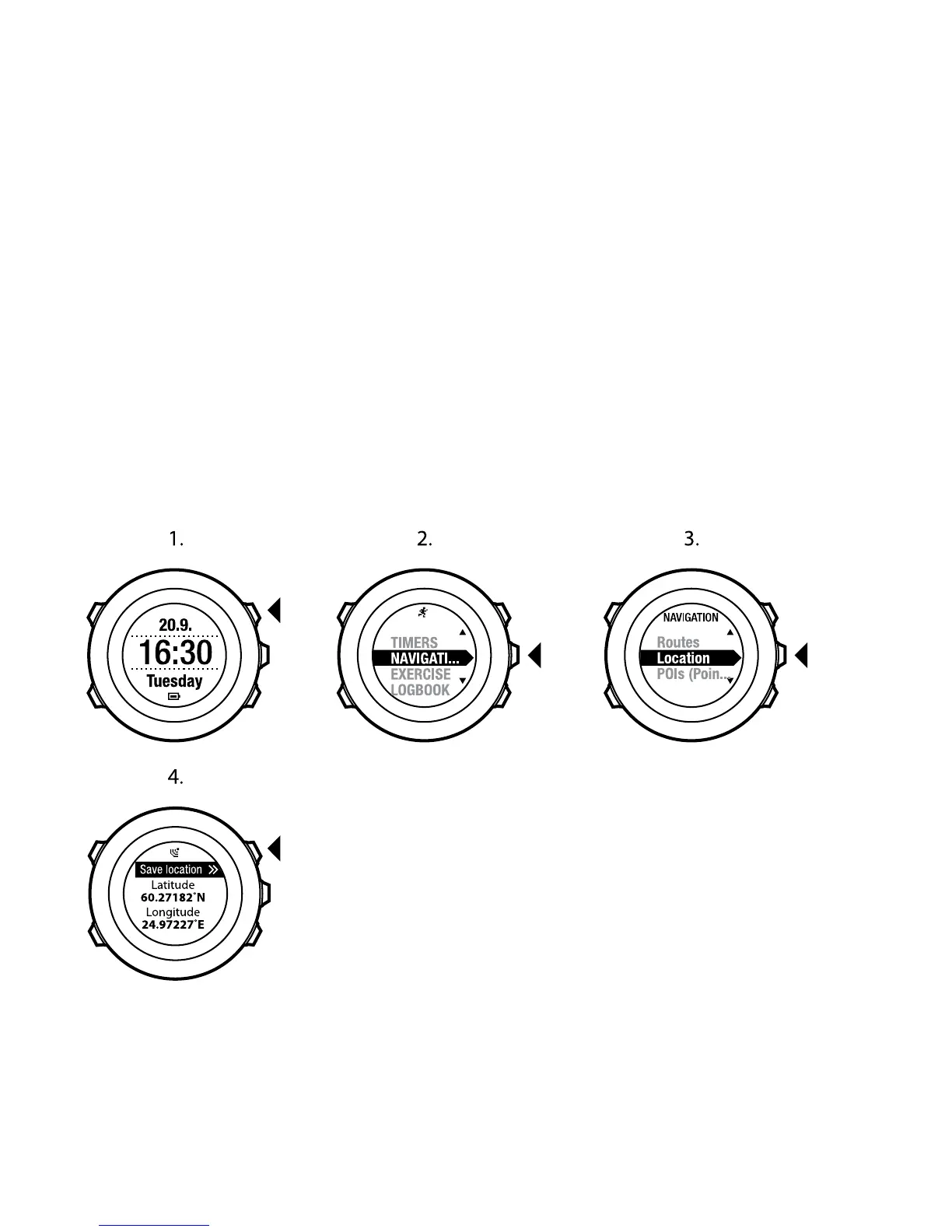
8.2 Checking your location
Suunto Ambit2 allows you to check the coordinates of your current location
using GPS.
To check your location:
1. Press [Start Stop] to enter the start menu.
2. Scroll to NAVIGATION using [Start Stop] and enter with [Next].
3. Press [Next] to select Location.
4. The device starts searching for a GPS signal and displays GPS found after
acquiring the signal. After that your current coordinates are shown on the
display.
30















 To Next Page