NOTE: In the full track view the north is always upwards.
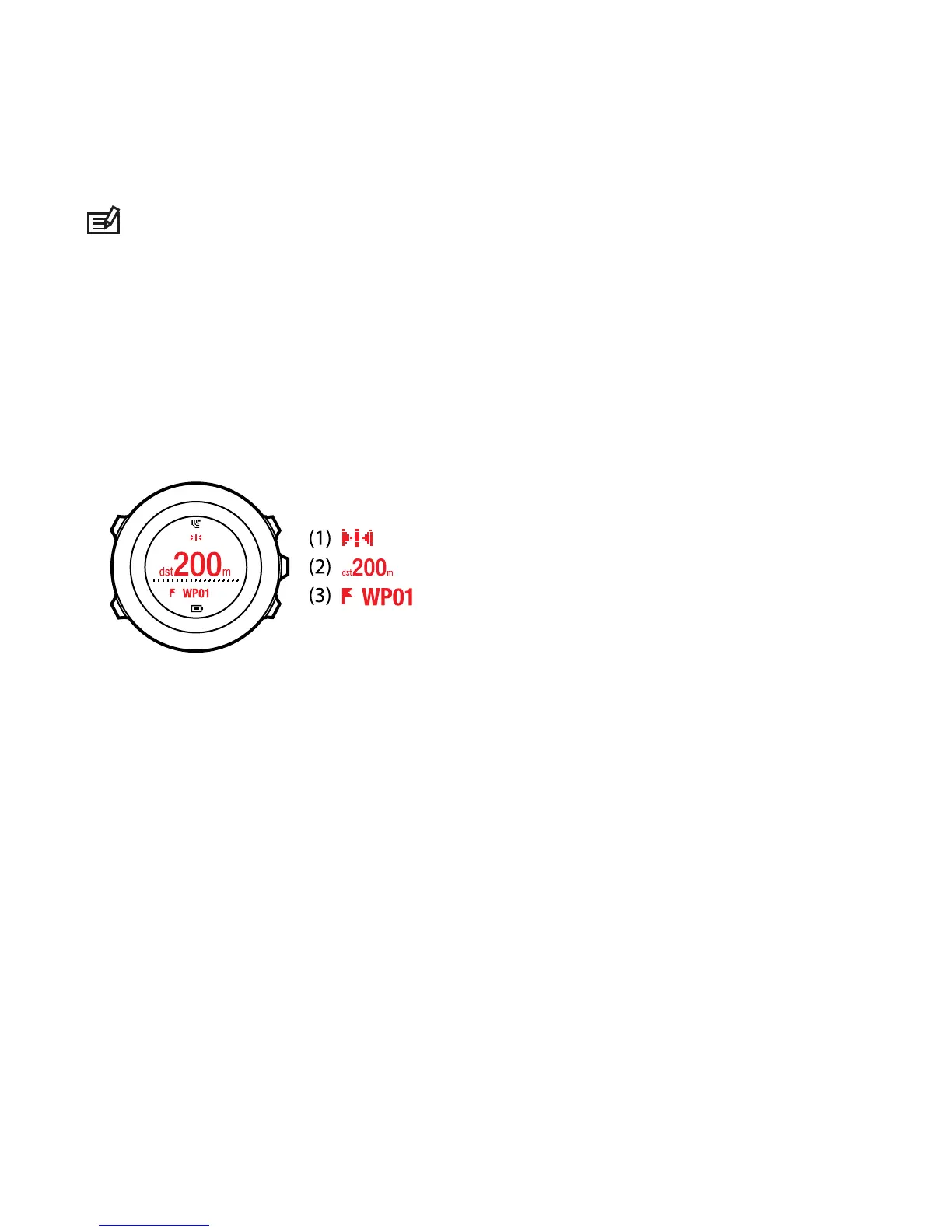
Waypoint navigation view
The waypoint navigation view shows you the following information:
●
(1) arrow pointing to the direction of the next waypoint (turn left/right
indicator)
●
(2) your distance to the next waypoint
●
(3) the next waypoint you are headed towards
8.4.4 Deleting a route
You can delete and disable routes in Movescount.
To delete a route:
1. Go to www.movescount.com and follow the instructions on how to delete
or disable a route.
2. Activate Moveslink and connect your Suunto Ambit2 to your computer
with the Suunto USB cable. While the settings are synchronized, the route
is removed automatically from the device.
48















 To Next Page