SV 104A USER'S MANUAL_______________________________________________________
47
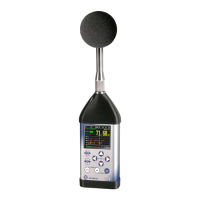
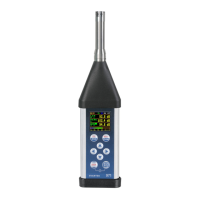
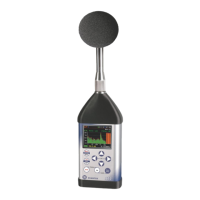
Figure 5-5 Changing of results view
After pressing the button the popup menu appears
in which you can:
• Turn the instrument off.
• Exit the application.
• Identify corresponded SV 104A.
After clicking the Identity this instrument position the
corresponded instrument will display its current name. This
name will blink during 5 seconds then the instrument returns to
the previous screen. At the same time your device will propose
you to change the name of this instrument.
5.3.3 SMS and e-mail notification
The Assistant is also capable of sending e-mail/SMS directly from application or send auto SMS
notification on pre-programmed alarm conditions. Alarm conditions are set within Supervisor software and
uploaded as setup configuration files (see chapters: 4.6 and 6.5.1).
E-mail and SMS recipient is defined by pressing the button, and then selecting appropriate
command from popup menu.


 To Next Page