SV 104IS USER’S MANUAL ______________________________________________________
50
5.5.4 Time-history data logging settings tab
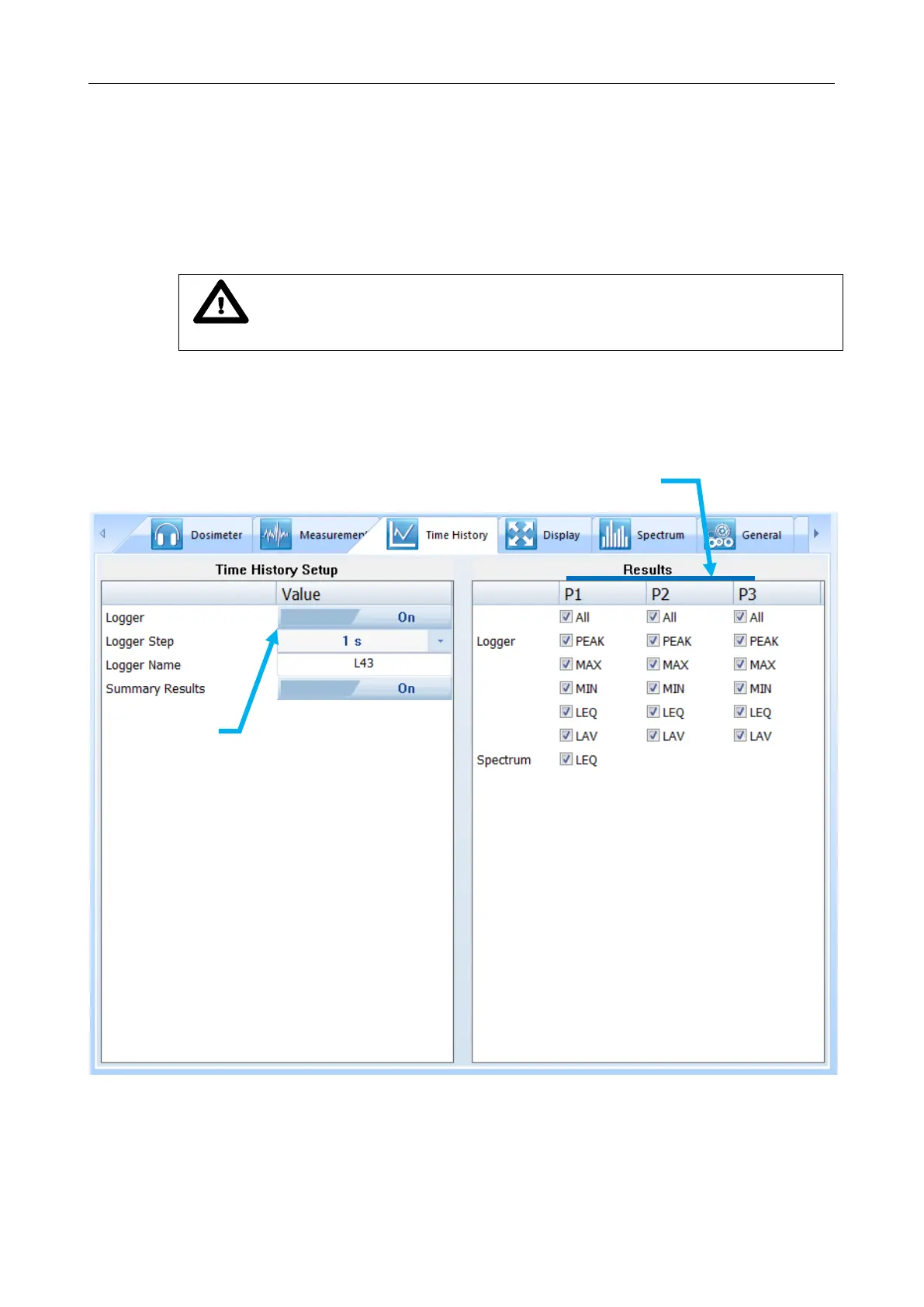
To enable logging time-history data go to the “Time History” settings tab and switch the very first
switch button on the left panel.
In the left panel named “Time History Setup” there are basic configuration fields related to:
how frequently do you want to log the parameters, what name the logger file should have,
and if extended summary results should be saved.
Notice: Summary results are saved on “Integration Period” basis (not on
“Logger Step” time). See Figure 5-9 how to set “Integration Period” parameter.
Right panel named “Results” is accessible only if “Logger” switch button is set to “On”.
You have the ability to choose, which basic results for each acoustic profile should be logged
during measurement run and saved in internal storage memory.
Figure 5-10 Time History (logger) settings tab



 To Next Page