SV 104IS USER’S MANUAL______________________________________________________
55
5.5.7.4 Auxiliary settings panel
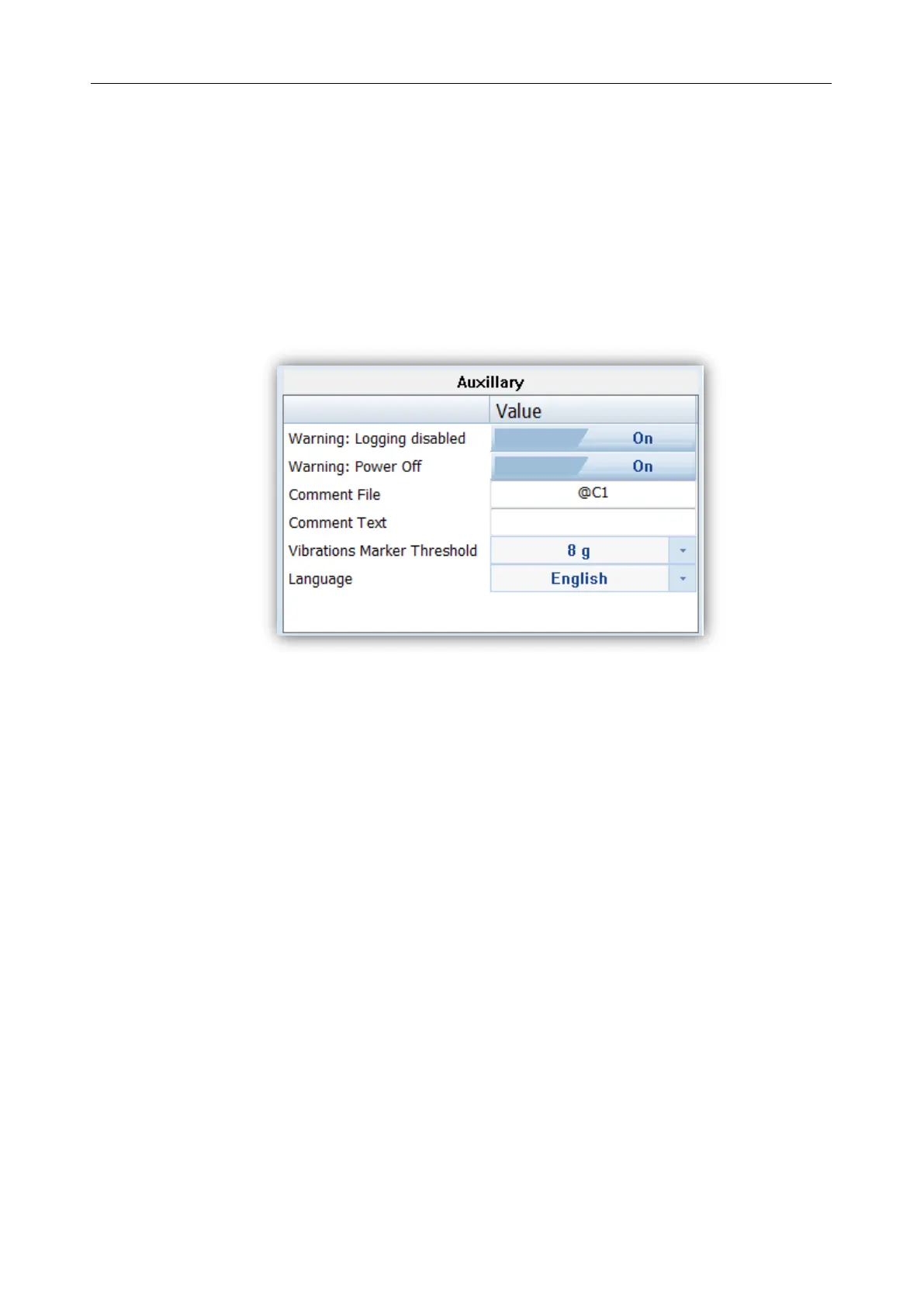
Under auxiliary settings panel it is possible to:
Enable additional warning screens to be displayed under certain conditions:
o “Logging disabled” it warns the operator that time history results will not be stored.
o “Power off” additional confirmation just before switching off (see chapter 4.3)
“Comment file name” defines the name of the Voice note comment file. “Comment Text”
is also able to be entered here if required
“Vibration Marker” is used on the basis of acceleration threshold setting (Off, 1g,…15g)
the lower the threshold level selected then the more sensitive the dosimeter will be to
possible bumps and shocks during use
“Language” enables the user to change the menu language displayed on the screen of the
dosimeter. The default language is English.
Figure 5-17 Auxiliary settings panel



 To Next Page