44
Click for contents
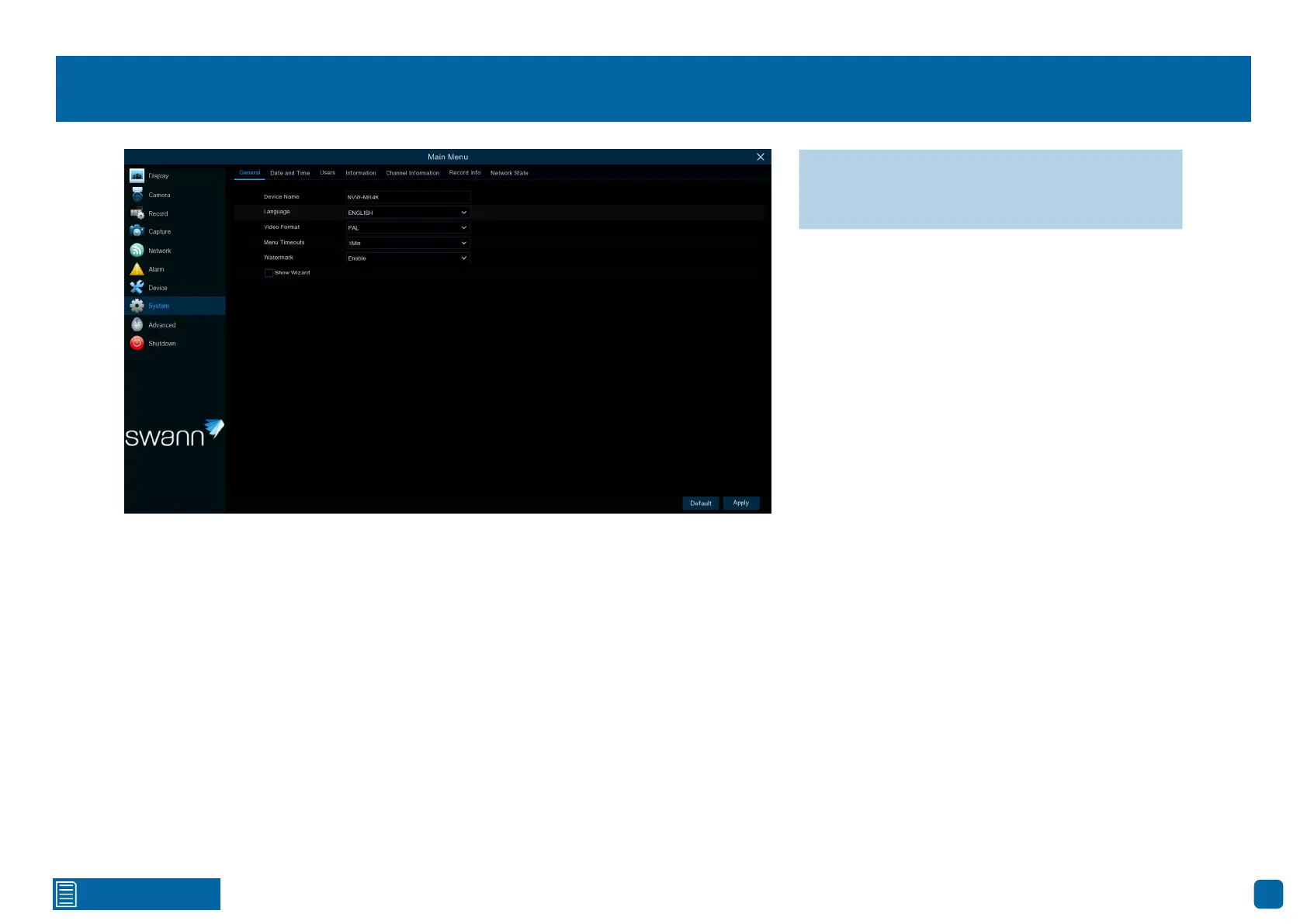
System: General
Device Name: Click the dialogue box to rename your Power Hub (if required).
Language: Select a language you would like the system menus to be dis-
played in. Multiple languages are available.
Video Format: Select the correct video standard for your country. USA and
Canada are NTSC. UK, Australia and New Zealand are PAL.
Menu Timeouts: Click the drop-down menu to select the time your Power
Hub will exit the Main Menu when idle. You can also disable this by selecting
“OFF” (password protection will be temporarily disabled).
Watermark: By default, the Swann logo is overlaid as a watermark for each
camera. If this isn’t required, click the drop-down menu to disable it.
Show Wizard: Click the checkbox if you would like to display the Startup Wiz-
ard each time you turn on or reboot your Power Hub.
→ Click “Default” to revert to default settings.
→ Click “Apply” to save settings.



 To Next Page