S100 User Guide – Rev. D – June 2005 39
2
5
3
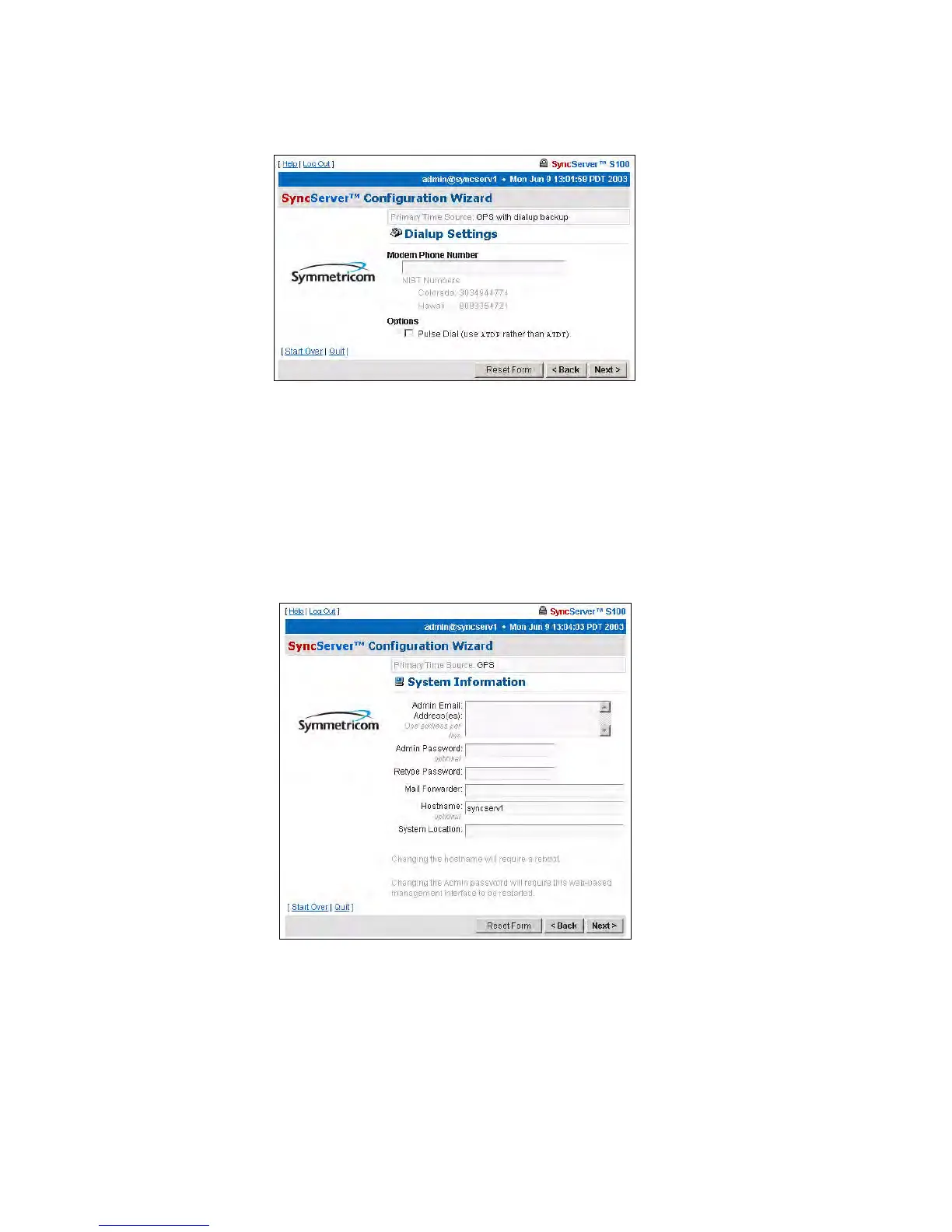
If you choose the Dialup radio button and click Next, the Dialup Settings dialog is
displayed.
In the field, enter or paste your modem phone number.
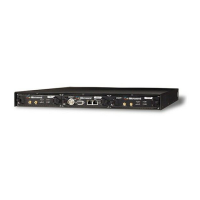
Then click Next for the System Information dialog.
System Information dialog
This shows:
• Admin e-mail, for the administrator of the S100
• Admin Password
• Mail forwarder, or the SMTP server
Figure 3-24: Dial-up Settings
Figure 3-25: System Information fields



 To Next Page