38 S100 User Guide – Rev. D – June 2005
SyncServer S100
There is no output to the “Mail test” field. That is because mail is tested by sending an e-mail
to the address that was not provided earlier.
Click Finish.
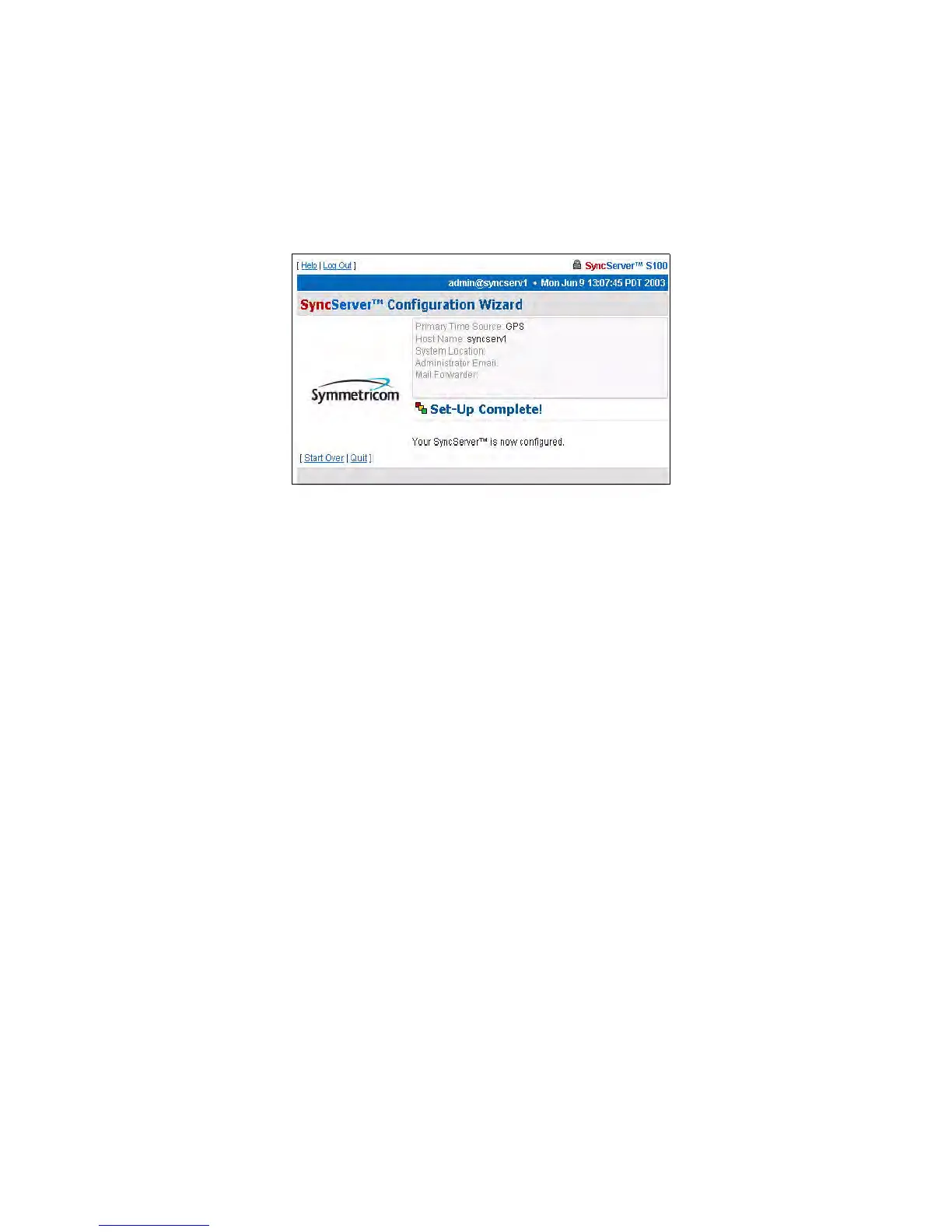
Setup Complete dialog
This screen verifies your configuration of the S100:
• Its time source
• Modem phone number (if you designated dial-up as the backup source for time)
• Host name and System location
• Administrator e-mail
Dialup Settings dialog
When using dial-up, the time reference is coming from an analog phone line through the built-
in modem. Automated Computer Time System (ACTS) is maintained by NIST.
In the US, use either of the following phone numbers to access time:
• Colorado: (303) 494-4774
• Hawaii: (808) 335-4721
Outside the US, connect with your local measurement institute.
Figure 3-23: Your GPS set-up is complete



 To Next Page