Security System Operation (Cont'd)
17
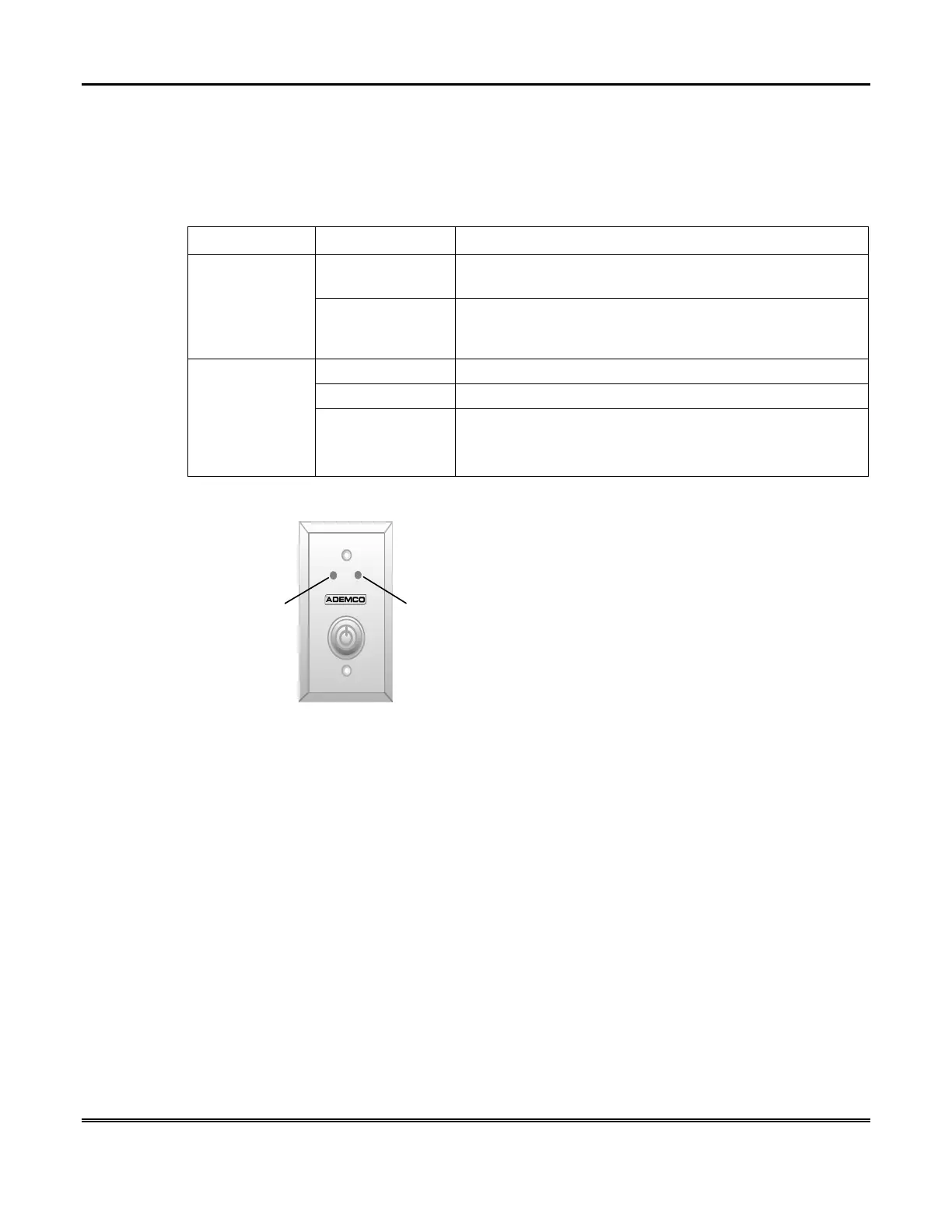
Keyswitch Operation
Your system may be equipped with a keyswitch for arming and disarming a
partition. Red and green lights on the keyswitch plate indicate the status of your
system as follows:
INDICATOR STATUS FUNCTION
Lit The system is disarmed and ready to be armed (no open
zones).
Green Light
Out If the system is disarmed and the green light is off, it
indicates the system is not ready (one or more zones are
open).
Lit Steady System is armed or memory of alarm exists.
Slow Flashing Partition is armed in Away mode.
Red Light
Rapid Flashing Partition is armed in Stay mode. Memory of alarm,
indicating an alarm has occurred.
How to Arm Using a Keyswitch
To arm in the AWAY mode,
turn the key to the right for 1/2 second and release.
Symphony/Keypads will beep twice and the red light will stay on steady.
To arm in the STAY mode,
turn the key to the right and hold for longer than 3
seconds, then release. Symphony/Keypads will beep three times and the red light
will flash slowly.



 To Next Page