Optional Message Center Features (Cont'd)
59
ACTION SCREEN
NOTE:
SAVE
or
DELETE
can only be used
during actual message/memo playback. They
cannot be used during the playback of a time
stamp.
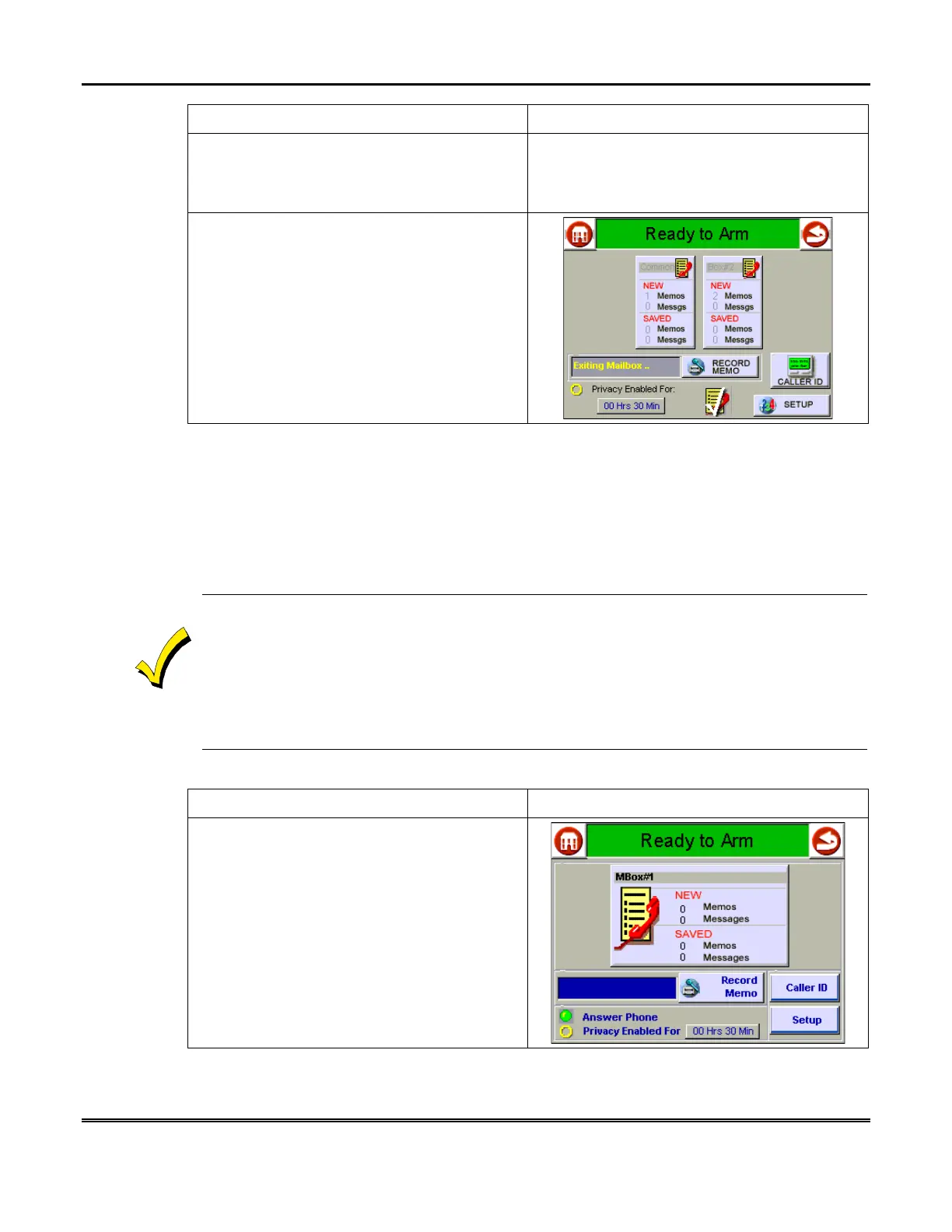
3. When finished, press the "Back" icon to
return to the "Message Center" main screen, or
the "Home" icon to return to the Symphony
"Home" screen. Regardless of which button is
pressed, the "Message Center" main screen is
first displayed with the text message
Exiting
Mailbox…
in the text box.
How to Record Outgoing Greetings
When Message Center answers a call, the caller hears a recorded greeting (known
as the outgoing message or OGM). The system includes a pre-recorded greeting, but
if desired, you can record your own greetings.
The greeting can instruct a caller to press a key 1-4 (corresponding to user
mailboxes), that lets the caller record a message in a particular user's mailbox.
When recording a greeting:
1. Be sure to include instructions for callers to press the appropriate key (1-4) corresponding
to the desired mailbox. For example: "To leave a message for Kimberly, press 2; to leave a
message for Kaitlyn, press 3."
2. Leave a few seconds of silence at the end of your greeting to give callers time to make their
selection. This is necessary because callers must make a mailbox selection before the "record
now" beep.
To record an outgoing message:
ACTION SCREEN
1. From the "Home" screen, press the
MESSAGES button
to display the "Message
Center" main screen.



 To Next Page