Symphony Setup (Cont'd)
71
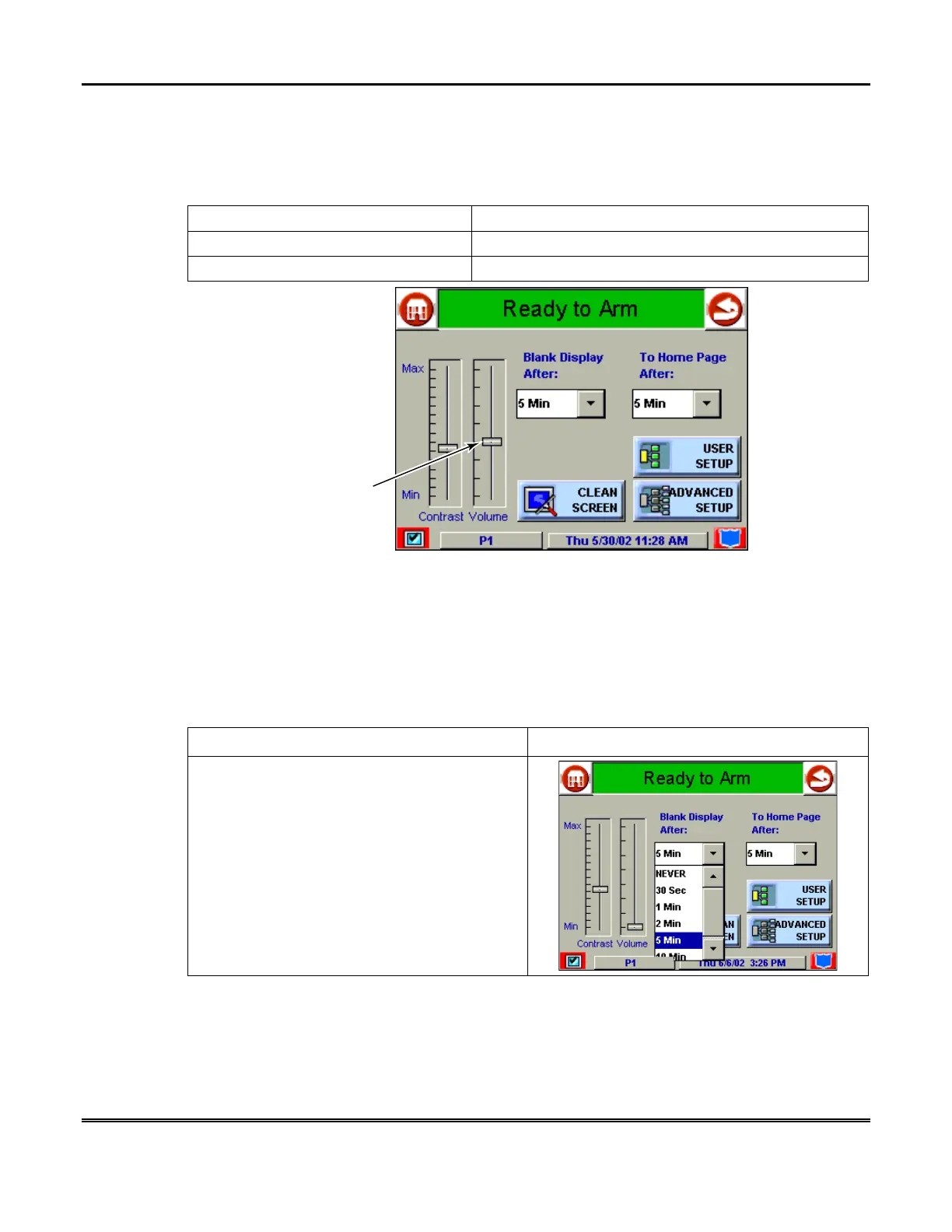
How to Adjust the Volume
You may adjust the Symphony speaker volume by pressing your finger on the touch
screen slide bar associated with the "Volume" scale and doing the following:
If… Then…
you want to increase volume press the slide bar above the current volume setting.
you want to decrease volume press the slide bar below the current volume setting.
AUI-019-V0
VOLUME
SLIDEBAR
INDICATOR
Symphony Volume Control
How to Select Screen Saver Activation Time
When Symphony is not armed and not active, it will automatically go into screen
saver mode (display goes blank) after the selected blank display time has expired
(unless never option is selected). To select the screen blank time, do the following:
ACTION SCREEN
1. Press the
Blank Display After:
"arrow"
button. A pop-up window displaying the time
period options is displayed.



 To Next Page