Internet Features (cont'd)
50
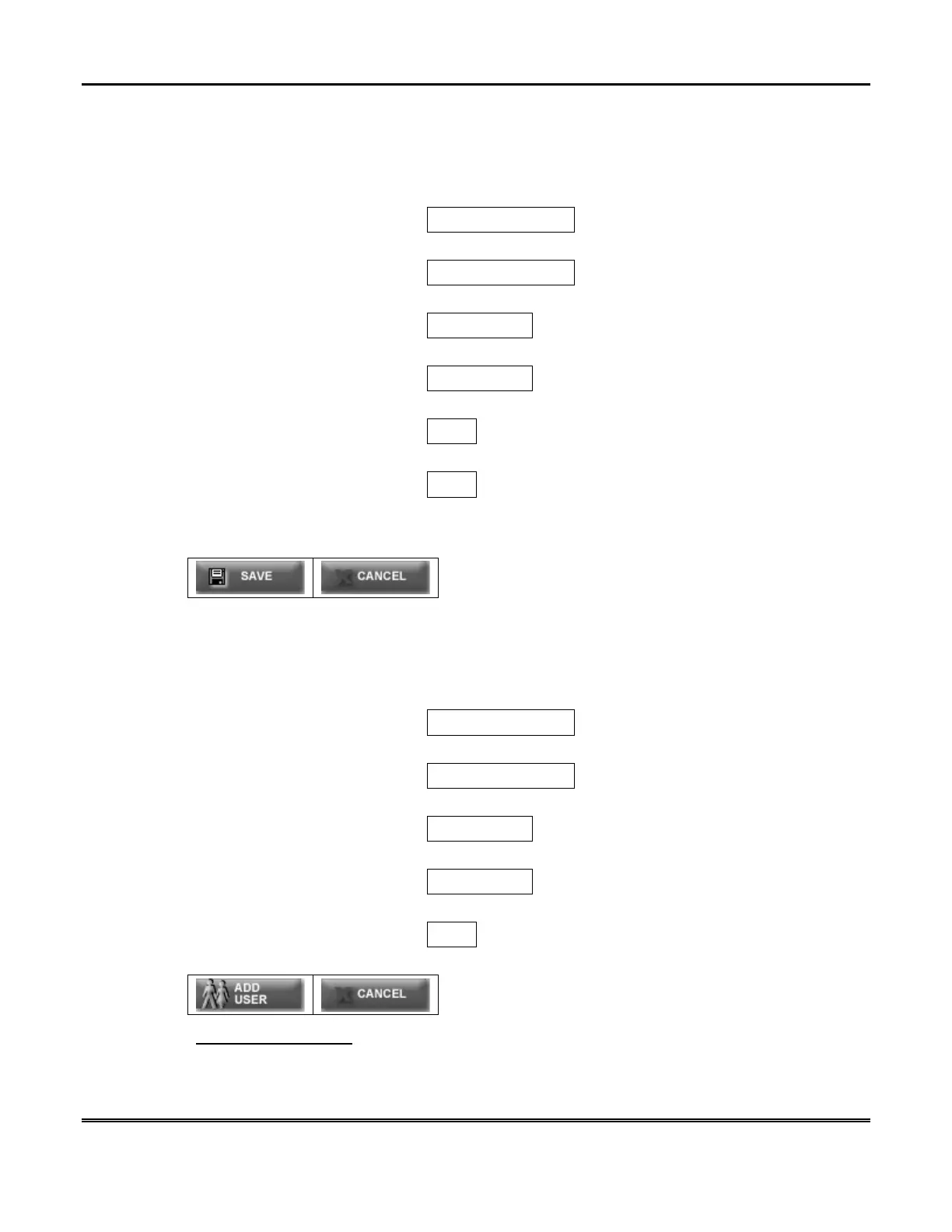
To edit a user, click on their user name. The “Edit a User” screen is displayed as
follows:
Primary User Name rick
Primary User Password
New User Name
New Password
Confirm Password
Remote Control Permission No
User Enabled Yes
Please Note: Leave the Password fields blank unless you are changing the
Password.
To add a new user, click on the
Add a New User
link. The “Add New User” screen
is displayed as follows:
Primary User Name rick
Primary User Password
New User Name
New Password
Confirm Password
Remote Control Permission No
View current users.



 To Next Page