Internet Features (cont'd)
52
For your protection enter the password for user: [rick]
Password
Start session
Start the Remote Control session as follows:
1 Enter the user name password.
2 Click on the
START SESSION
button.
NOTE: If no password is entered or an incorrect password is entered, the screen
will display:
“Failed to Validate User”
Click Try Again To attempt to log in again.
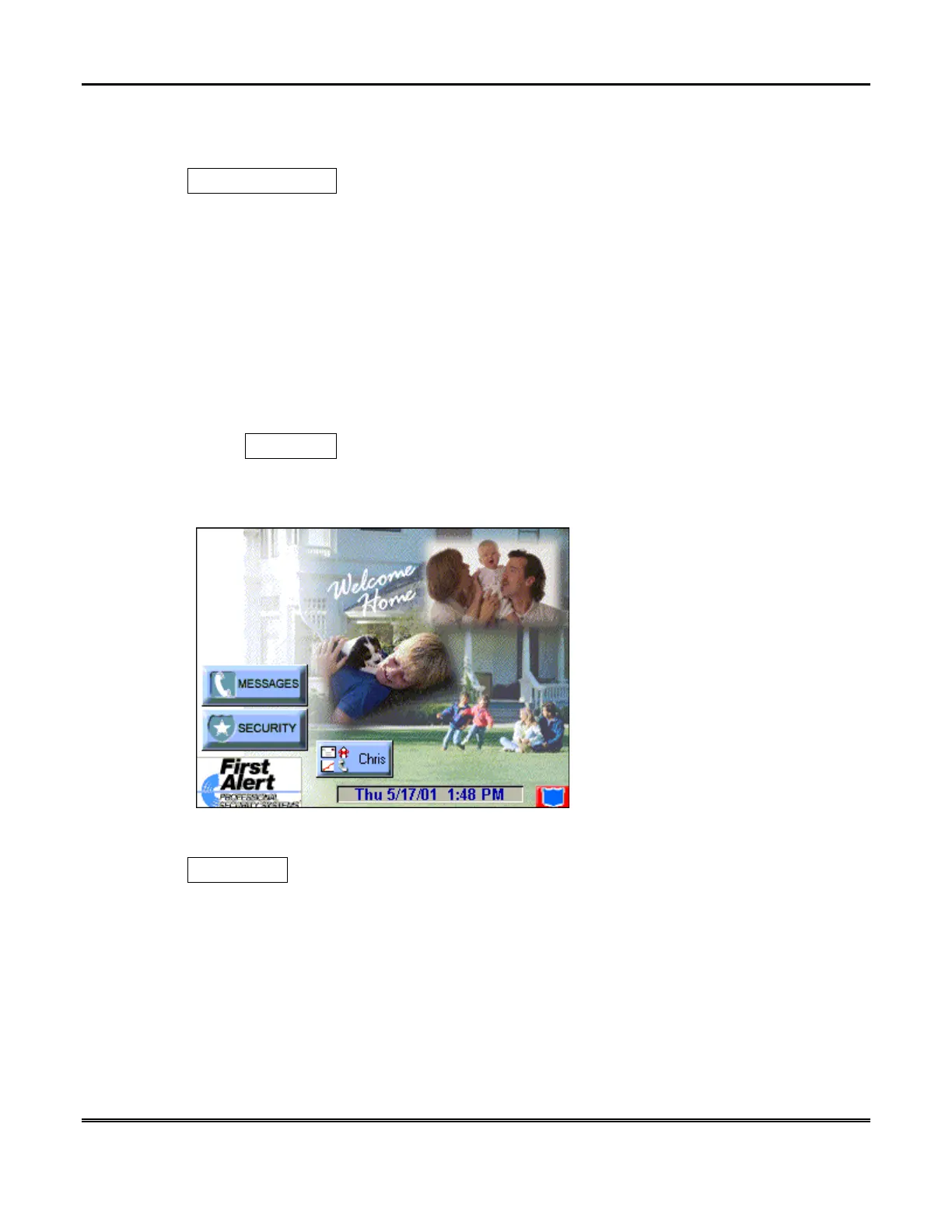
If the password is accepted, the “Remote Control of your Console” screen is shown
with the “Home” screen of your Symphony displayed.
Disconnect
Click on the buttons of the displayed Symphony screens to operate the system as
you would from the Symphony Keypad.
When you wish to leave Symphony, click the
Disconnect
button. “Closing,
Returning to Remote Control Login.” Is displayed.



 To Next Page