About Symphony (Cont'd)
9
Symphony Icon/Button Descriptions
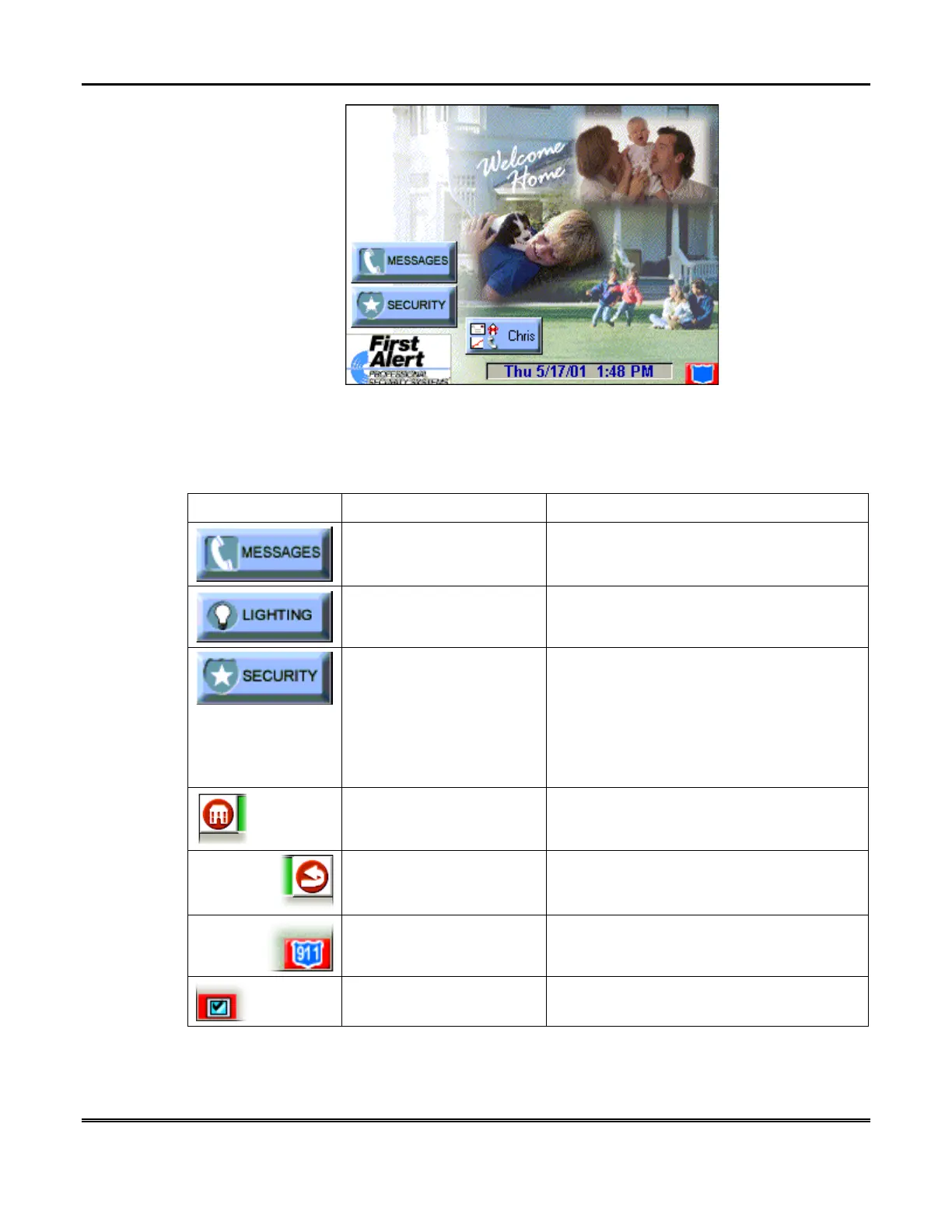
To aid in the navigation of Symphony, a set of user-friendly icons has been provided.
The appearance, function, and location of these icons is described below:
ICON/BUTTON LOCATION FUNCTION
"Home" screen Allows you to retrieve Messages via the
Message Center module.
"Home" screen Allows you to turn certain devices on and off
(if installed and programmed by your
installer.)
"Home" screen Accesses "Arming" screen.
NOTE: The background color of the shield
indicates security system status.
Green – system disarmed, ready to arm
Red – system armed
Yellow – system not ready to arm
Upper left corner of most
screens
Returns you to the Symphony "Home"
screen.
Upper right corner of most
screens
Reverts to the last screen viewed.
Lower right corner of most
screens
Displays Emergency functions (as
programmed by your installer.
Lower left corner of most
screens
Used for Remote Security Access features.



 To Next Page