SA160
AIRCRAFTA I R C R A F T
Symphony
AIRCRAFT
IMPROPER USE OF THIS FEATURE WILL GIVE YOU INCORRECT
FUEL 'REM' AND 'HRS' INFORMATION. INSURE THAT YOU
UNDERSTAND THE OPERATION OF THIS SYSTEM BEFORE
USING IT INFLIGHT. AFTER INSTALLATION AND
PERIODICALLY THEREAFTER, VERIFY THAT THE SYSTEMS
ACCURACYIS ACCEPTABLE FOR YOUR INTENDED USE.
Your fuel computer has a unique feature that allows you to 'ADD' fuel
according to how much has been pumped into the tank(s). You are not
required to calculate the new total fuel level after adding fuel, as on many
other fuel computers. This system does it for you. Follow the steps below
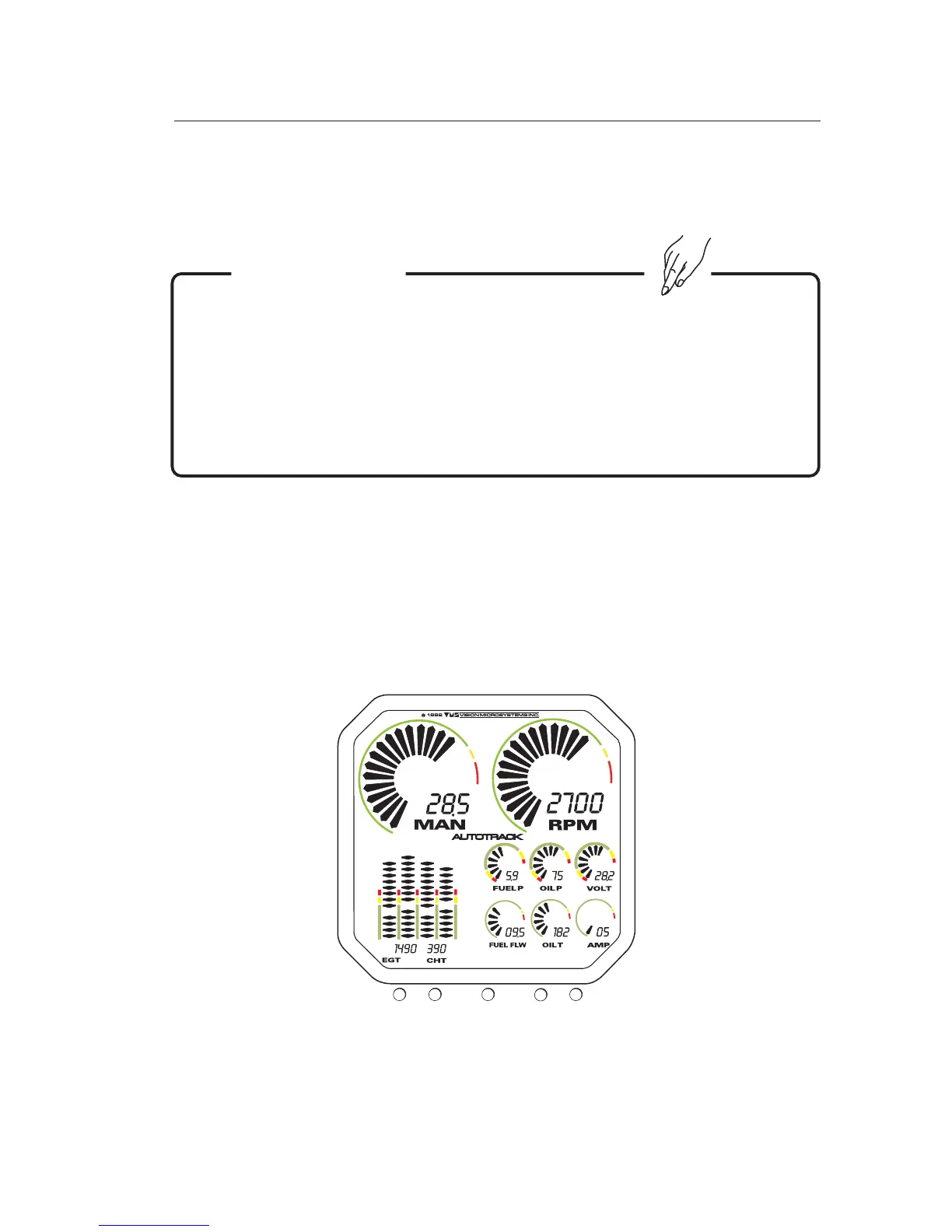
to 'ADD' fuel to the computer, referring to 'FIGURE 6.X : VM1000 QUICK
REFERENCE':
VM1000QuickReference
Figure6.x
4.7 ADDING FUEL TO THE FUEL COMPUTER
WARNING !
12
3
4
5
Feb 25, 2005
9of27



 To Next Page