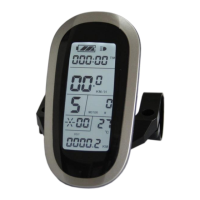
ELECTRIC BICYCLE METER KT—LCD8S Product User Manual
- 21 -
parameters will be saved.
P Parameter Setting
After finishing metric/imperial unit settings, the speed and mileage units stop flashing.
Press button (DOWN) to enter P Parameters Setting.
○ P1 Motor Characteristic Parameter Setting
P1 is motor characteristic parameter setting, P1 = motor gear reduction ratio× number
of motor magnet pieces, just rounding if there’s any decimal.
After entering P parameter setting environment, the first is to set P1parameter, P1
parameter column flashes. P1 setting ranges between1-255, press button (UP) or
button (DOWN) for selection.
P1 parameter setting interface
Under P1 parameter setting interface, if there’s no button operation on the
meter for more than 1 minute, and then the meter will automatically return to display
1, and the original set parameter will be saved.
After finishing P1 parameter setting, press button to save the current set values
and press button (DOWN) to enter P2 parameter setting interface.
○ P2 Wheel Speed Pulse Signal Setting



 To Next Page
 Loading...