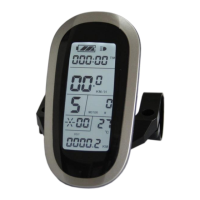
ELECTRIC BICYCLE METER KT—LCD8S Product User Manual
- 37 -
C10 parameter setting interface
C10 is automatic restore factory settings, the default is N, and the setting can be N, or
Y, press button (UP) or button (DOWN) for selection.
C10 parameter definition table:
When the meter is needed to restore default setting, C10 selects Y, hold button
long for about 2 seconds, all parameters restore default settings and exit setting
environment, and then return to the display1.
After finishing C10 parameter setting, press button (SW) to save the current
value and then press button (DOWN) to enter C11 parameter setting interface.
○ C11 Meter Attribute Selection Setting
Enter C11 parameter setting interface after C10 parameter setting is finished, press
button (SW), C11 parameter column flashes.


 To Next Page
 Loading...