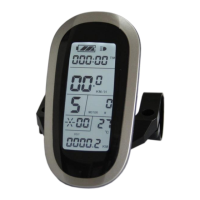
ELECTRIC BICYCLE METER KT—LCD8S Product User Manual
- 38 -
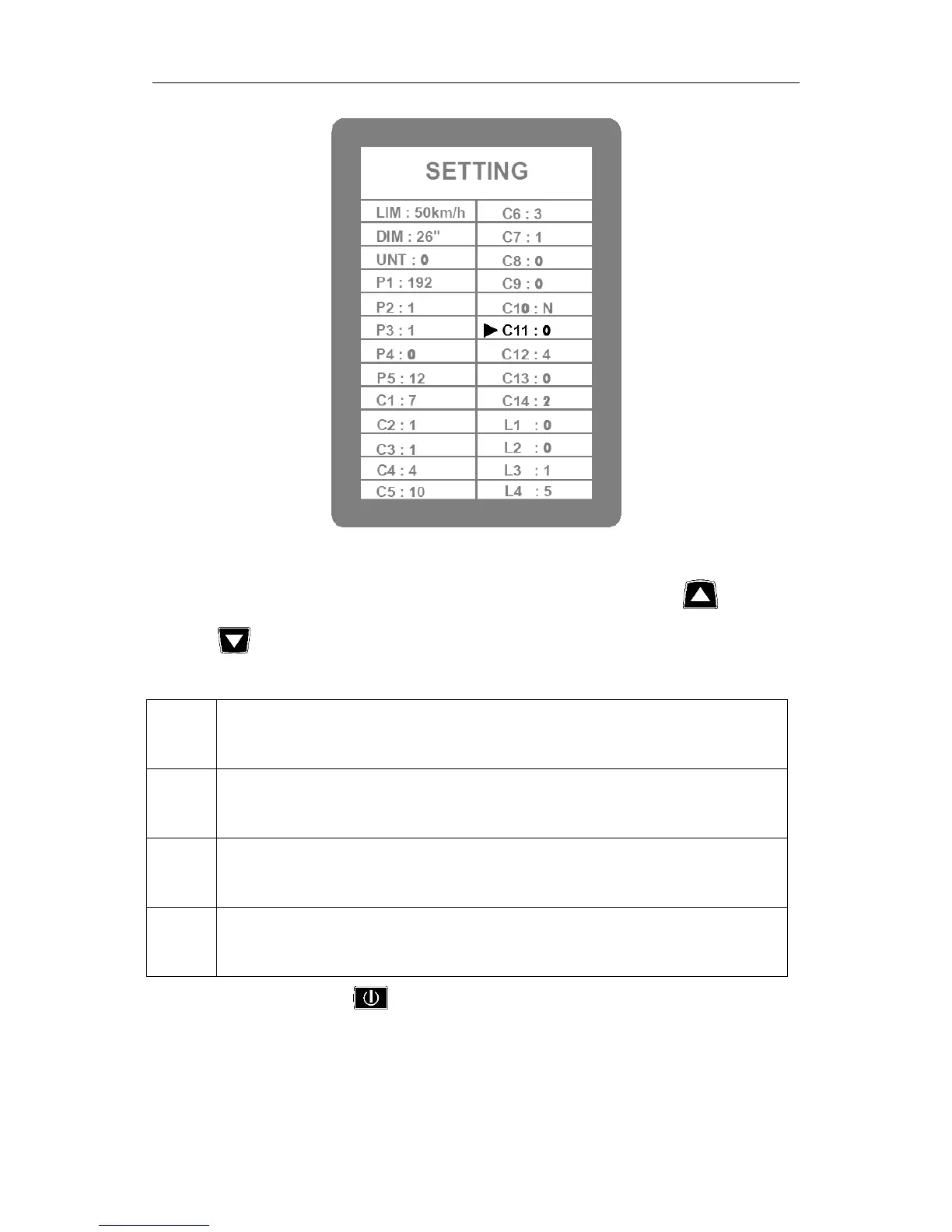
C11 parameter setting interface
C11 is meter attribute selection setting, the setting range is 0-2, press button
(UP) or button (DOWN) for selection.
C11 parameter definition table:
Meter uses LCD8S new version of communication protocol, it is compatible
LCD1 and LCD2.
Meter uses LCD1 and LCD2 old version communication protocol, it is not
compatible LCD8S.
As data source for copying parameters, the meter transfers the new LCD8S
parameter to other meters.
C11 selects 2, hold (SW) long for about 2 seconds to exit the setting
environment, and then the meter is served as data source for copying parameter (see
parameter copy), there’s source logo on display interface.


 To Next Page
 Loading...