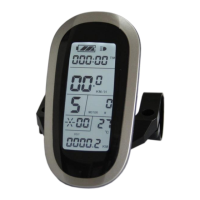
ELECTRIC BICYCLE METER KT—LCD8S Product User Manual
- 47 -
Interface of finishing parameter copy
Please note: Both C9 power-on password and C11 meter attributes can’t be copied.
Besides, LCD8S meter can only copy parameter of the same meter model.
User Setting Note
After entering the user setting environment, if there’s no button operation on the data
for more than 1 minute, the meter will automatically return to display1, and the new set
parameters won’t be saved.
The factory parameter set value and the default value of the meter can be set
according to user requirements, the meter parameter can be restored by using "C10
automatically restore factory setting " approach when adjusting it.
Version Information
KT_LCD8S_V1.0
Released on August 20, 2018


 To Previous Page
 Loading...