158
6.2.5 Output Queue
The output queue is a queue that stores the message sent from the power supply to the controlling
PC until the message is read. The output queue is cleared at power on and by the *CLS command.
Whenever the queue holds a message, it sets the MAV bit in the status byte register (refer to
Figure 6–1).
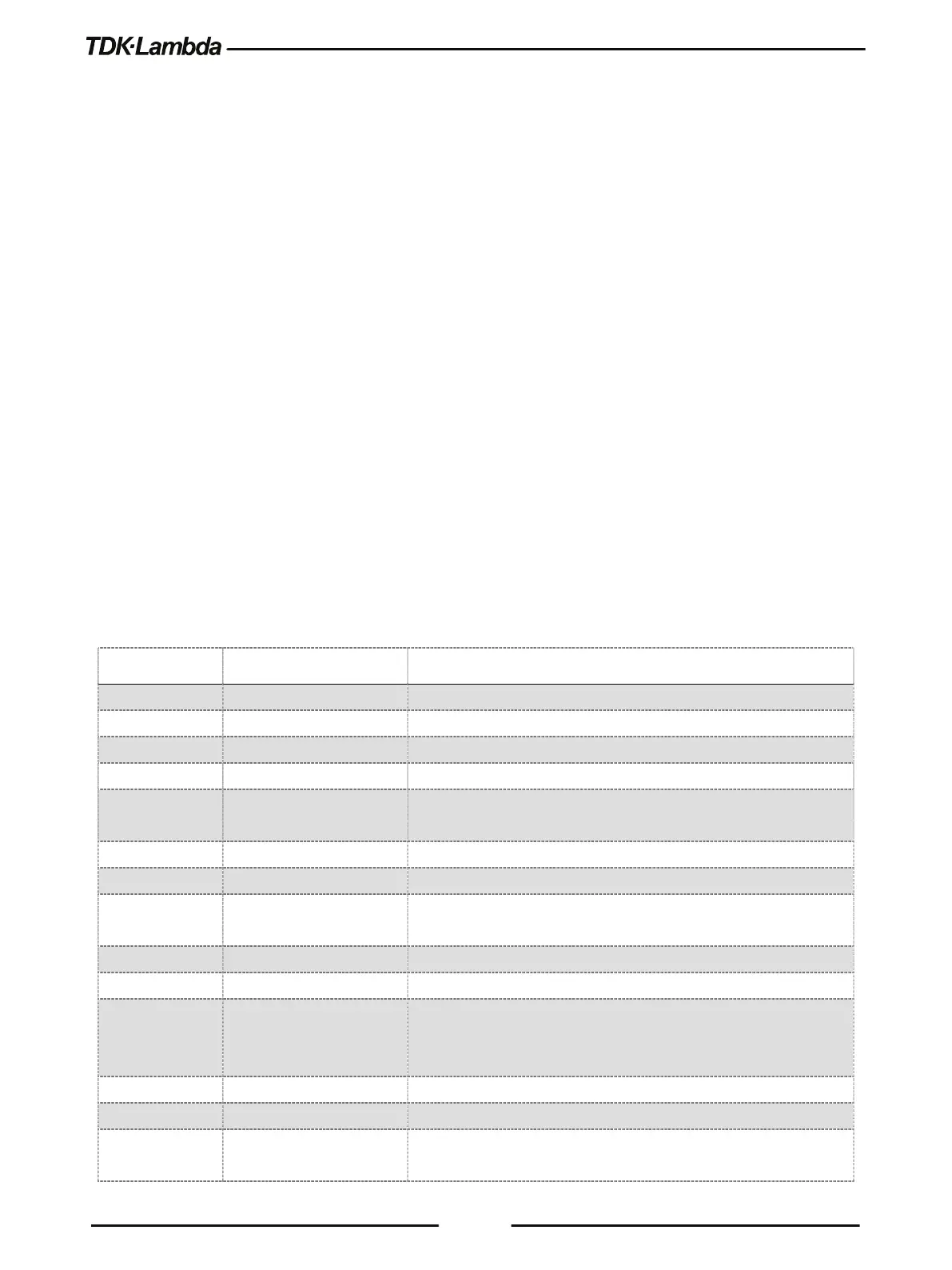
6.2.6 Error Queue
The error queue holds up to 10 system error messages. To enable the log of error messages, send
SYSTem:ERRor:ENABle command. The error queue acts as a FIFO (First In First Out) queue. The
first message enters into the queue is the first message read by the controlling PC. To read a
message, send SYSTem:ERRor? query. The query returns the error number and a message if an
error message is available. If there is no error, the query return 0,”No error”. Error message format
is as follows:
<Error Number><Comma><Quote><Error Description;Power Supply Address><Quote>
If more than 10 messages are stored, the last (tenth) message is replaced by -350,”Queue
Overflow;Power Supply Address” error message.
The error queue is cleared at power on, by the *CLS command or by reading all available
messages until 0,”No error” message is received.
Whenever the queue holds a message, it sets the SYS bit in the status byte register (refer to Figure
6–1).
Unit receives command with unspecified error
Command ($) Checksum error
Valid command received but not enough characters
-115 “Unexpected number of
The number of parameters received does not correspond to the
number of parameters expected
Unrecognized units, or units not appropriate
Generic syntax error / Can’t execute command
-201 “LAN Specific Command” LAN specific commands are available only through LAN
Indicates that a program data element related error occurred
Attempt to program beyond defined supply limits
-284 “Program Currently
Running”
Certain operations dealing with programs may be illegal while the
program is running. For example, change a parameter in a running
LIST/WAVE Memory cell is empty
Generic device dependent error
-301 “Message Timeout” Timeout of 15 sec. before receiving a terminator (CR or LF) has













 To Next Page