18
TRIG
PROG
ENTER
CURRENT
ENCODER
TRIG
VOLTAGE
ENCODER
TRG.OU
OFF TRIG
EXT
TRG.IN
BUS
FSTR
PROGRAM MENU
INIT
ABORT
Aborted / No initailzed
Inita ilzed
LOAD
1 2 3 4
OFF
CONT
ON
0.000
TRG.DL
10.00
Voltage encoder 1 step rotate
Current encoder 1 step rotate
Function (Voltage Display)
Parameter (Current Display)
ENTER
Level down
Note: Press Current encoder to select required parameter. Current display blinks - Parameter accepted
Voltage encoder multiple steps rotate
Current encoder multiple steps rotate
Note: Menu displays alternative
parameter only, no selection.
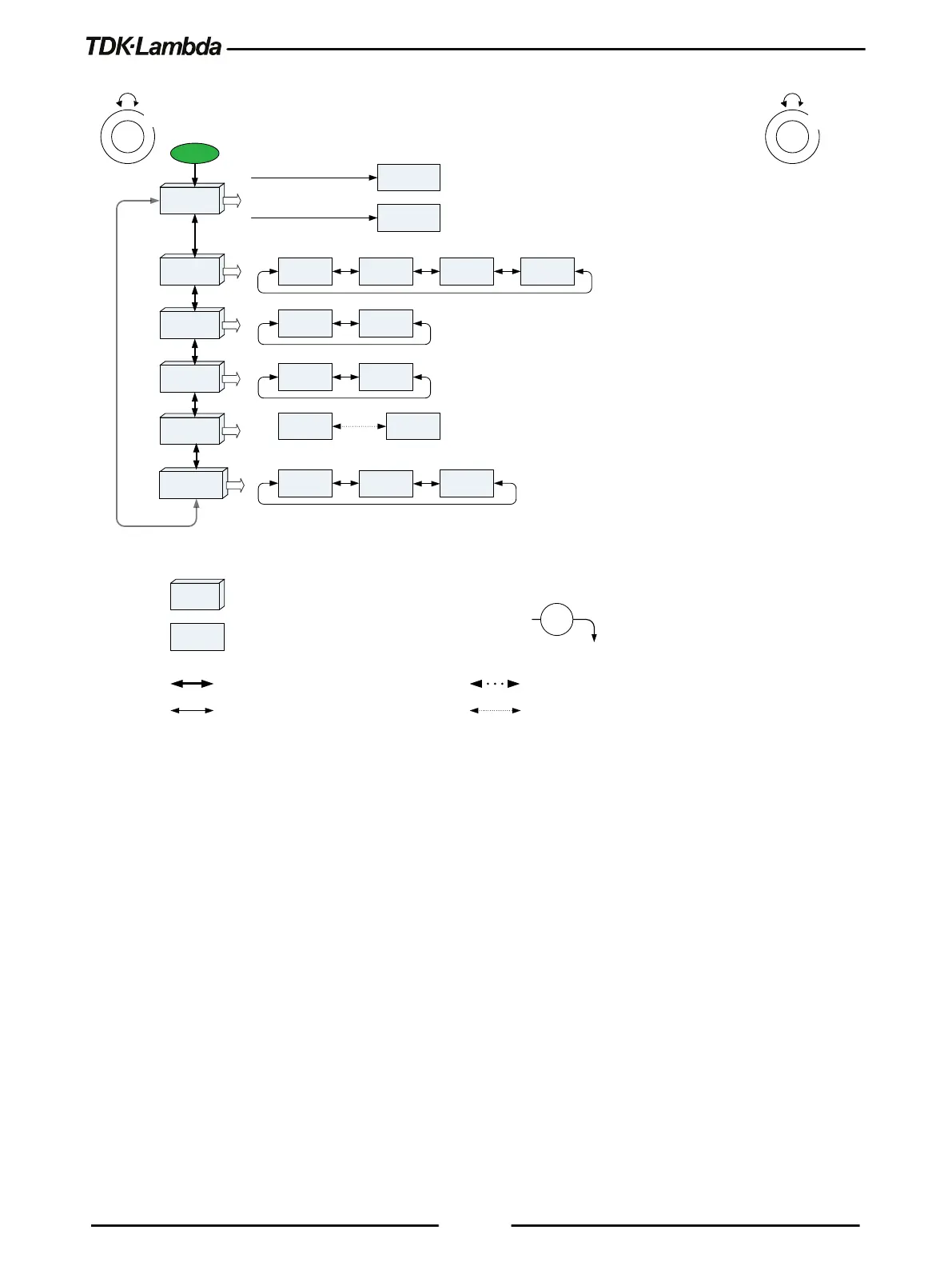
Figure 1–10: PROGRAM Menu Diagram
1.8.2 Exiting a Menu
There are three ways to exit a Menu:
•
Press the active Menu button.
Appropriate MENU LED turns OFF. The display shows the present power supply status.
•
Press the Back button multiple times, corresponding to the depth inside the Menu.
Appropriate MENU LED turns OFF. The display shows the present power supply status.
•
No action for 15 sec.
Appropriate MENU LED turns OFF. The Display shows the present power supply status.













 To Next Page