OVP
MIN
UVL
MAX
PROT
ENTER
CURRENT
ENCODER
VOLTAGE
ENCODER
0 MAX
OFF
UVP
ON
0.1
UVP.DL
25.5
FOLD
OFF
FLD.DL
CV
UVP
ON
FOLD
CC/CV
CC
0.1 25.5
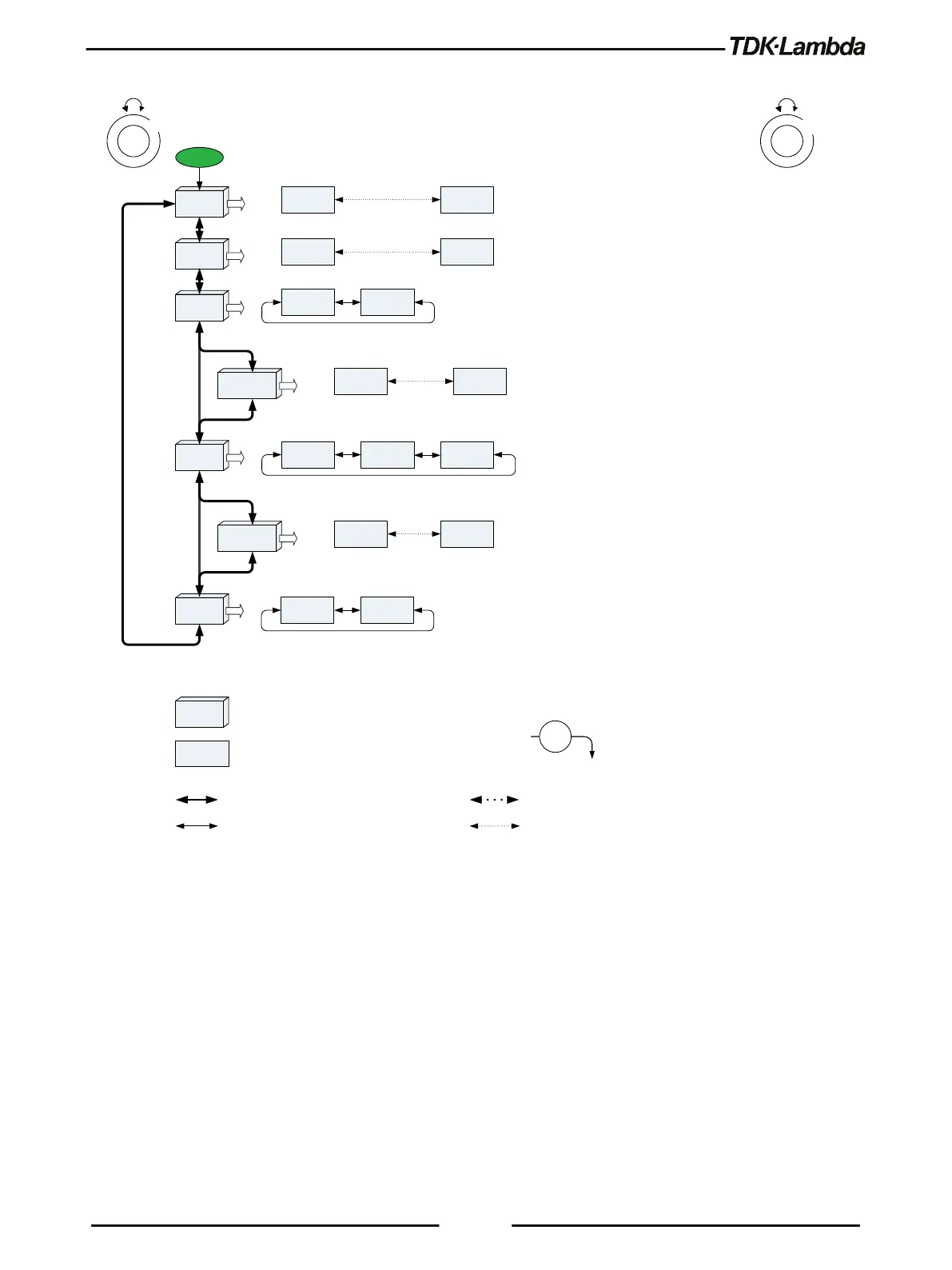
PROTECTION MENU
OCL
OFF ON
UVP
OFF
FOLD
OFF
Voltage encoder 1 step rotate
Current encoder 1 step rotate
Function (Voltage Display)
Parameter (Current Display)
ENTER
Level down
Note: Press Current encoder to select required parameter. Current display blinks - Parameter accepted
Voltage encoder multiple steps rotate
Current encoder multiple steps rotate













 To Next Page