TP8-64 - User Manual Control by telephone
6-1
6. CONTROL BY TELEPHONE
This chapter describes the operations that can be initiated by telephone both calling the control panel for system status
check or during a vocal alarm call of the control panel.
6.1 CALL FOR SYSTEM STATUS CHECK
Procede as follows:
z Dial the number of the telephone line the control panel is connected to
On answering the control panel emits one beep. To initiate the operations, enter the master code or a standard user
code enabled, e.g. (default master code):
+ 12345
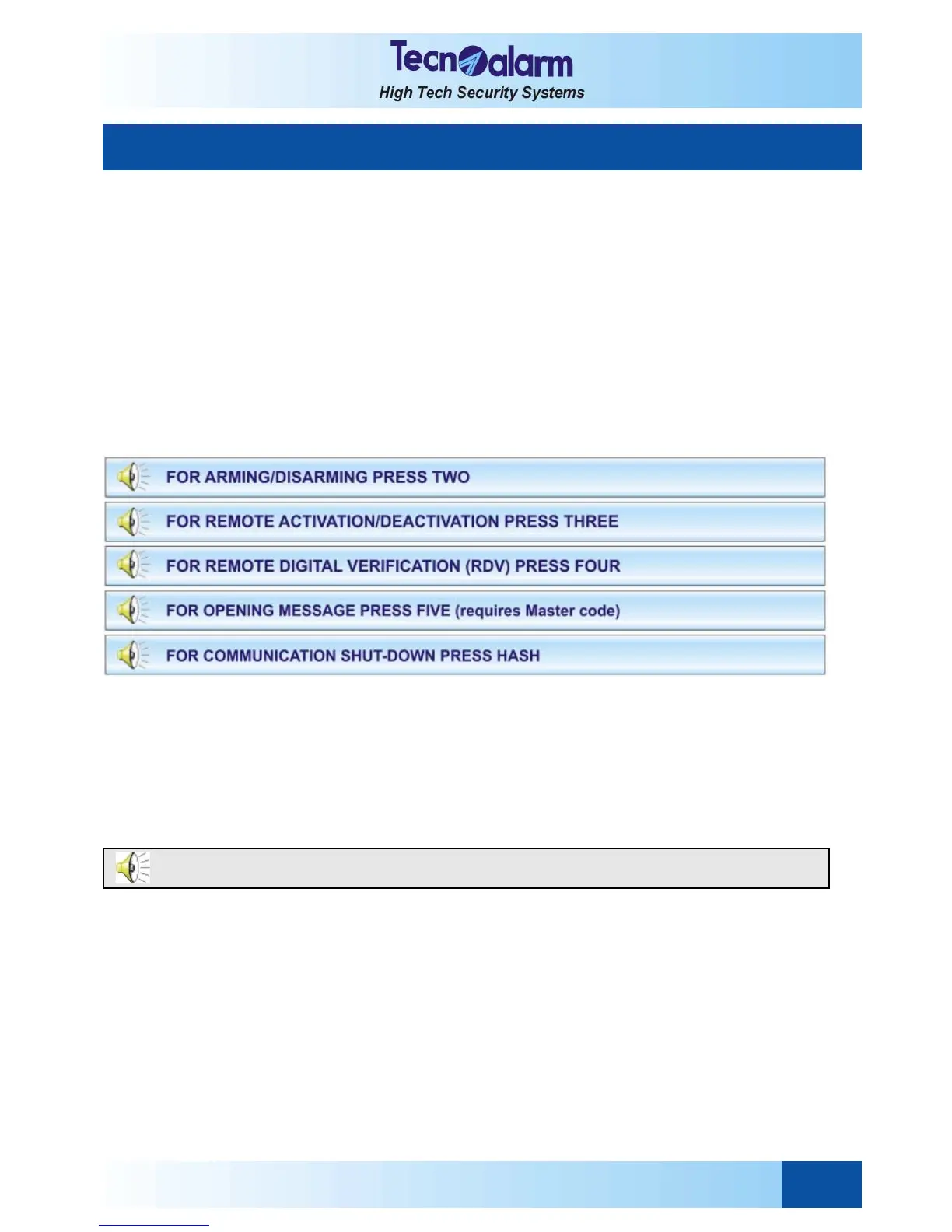
The control panel enables the following operations:
z System status check (system OK or in alarm)
z Arming/disarming of programs and verification of system status (stand-by or programs armed)
z Remote activation/deactivation of devices and verification of their status
z Remote digital verification (RDV) of the detectors
z Recording of the opening message
6.1.1 SYSTEM STATUS CHECK
To check the status of the control panel, press:
+ 1
The control panel plays the message corresponding to system status (in stand-by or armed) and possible alarms.
6.1.2 ARMING/DISARMING
Enter the program menu by pressing:
+ 2
The following message is played:
Options available
z Program status check
z Arming/disarming of programs
Program status check
To check the status of the programs, enter the number of the program:
+ 1...8
The control panel plays the messages corresponding to the status of the program (armed or in stand-by) and possible
alarms logged in the buffer (alarm memory).
Arming/disarming
To arm or disarm the programs, press * (star) followed by the number of the program:
+ *1 program 1
...
+ *8 program 8
Menu programs. To return to menu press hash.



 To Next Page