39
98-05141 R2www.teejet.com
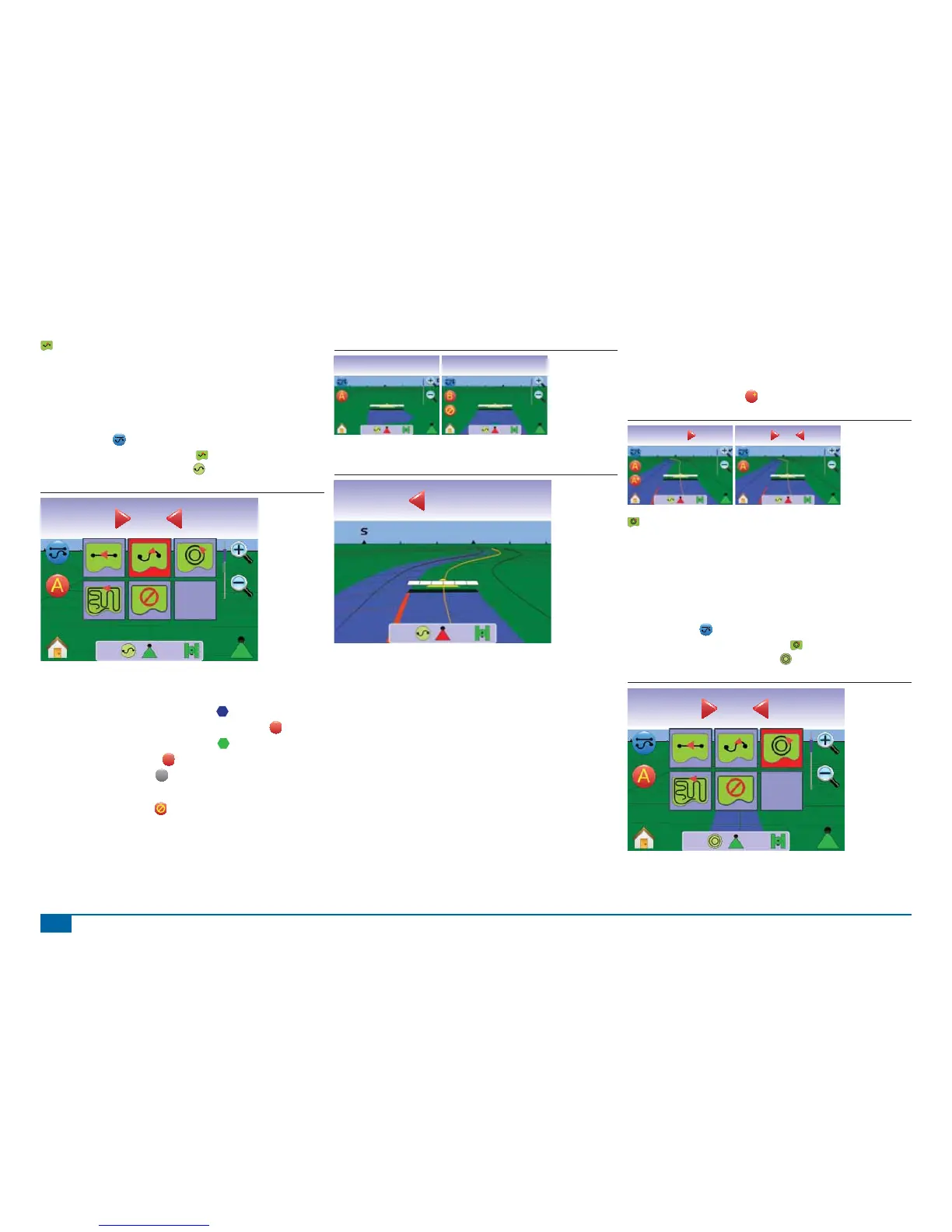
Curved A-B Guidance
Curved A-B Guidance provides guidance along curved lines based
on an initial A-B reference line. This initial baseline is used to
calculate all other guidelines.
Activate Curved A-B Guidance
1. Press the screen to activate the icons and select the GUIDANCE
MODE ICON .
2. Select CURVED A-B GUIDANCE .
◄Status Bar Icon will change to .
Figure 3-17: Guidance Mode Selection
Swath acres
0.00
0.0
Marking A and B Points
1. Drive to the desired location of Point A .
2. While the vehicle is in motion, press MARK A ICON
A
.
3. Drive to the desired location of Point B .
4. Press the MARK B ICON
B
to establish the A-B line.
NOTE: The MARK B ICON
B
is not available for selection (grayed
out) until the minimum distance is traveled (9.84 ft / 3.0 m).
Use CANCEL MARK ICON to cancel the Mark A command and
revert to the previous A-B guideline (when established).
Figure 3-18: Mark A and B Points
mph acres
1.2010.5
Mark A
mph acres
2.6010.5
Mark B
The console will begin providing navigation information.
Figure 3-19: Curved A-B Guidance
Swath acres
8.96-1
3.2
A+ Nudge Feature
The A+ Nudge feature allows the existing A-B guideline to be shifted
to the vehicle’s current location.
1. Press A+ NUDGE ICON
A
to establish the new guideline.
Figure 3-20: A+ Nudge
Swath acres
3.80-2
5.1
Swath acres
3.81-2
0.0
Circle Pivot Guidance
Circle Pivot guidance provides guidance around a central location
that radiates inward or outward. It is used for product application in
a center pivot fi eld while being guided along a circular guideline that
matches a center pivot irrigation system radius.
Activate Circle Pivot Guidance
1. Press the screen to activate the icons and select the GUIDANCE
MODE ICON .
2. Select CIRCLE PIVOT GUIDANCE .
◄Status Bar Icon will change to .
Figure 3-21: Guidance Mode Selection
Swath acres
0.00
0.0



 To Next Page