51
98-05141 R2www.teejet.com
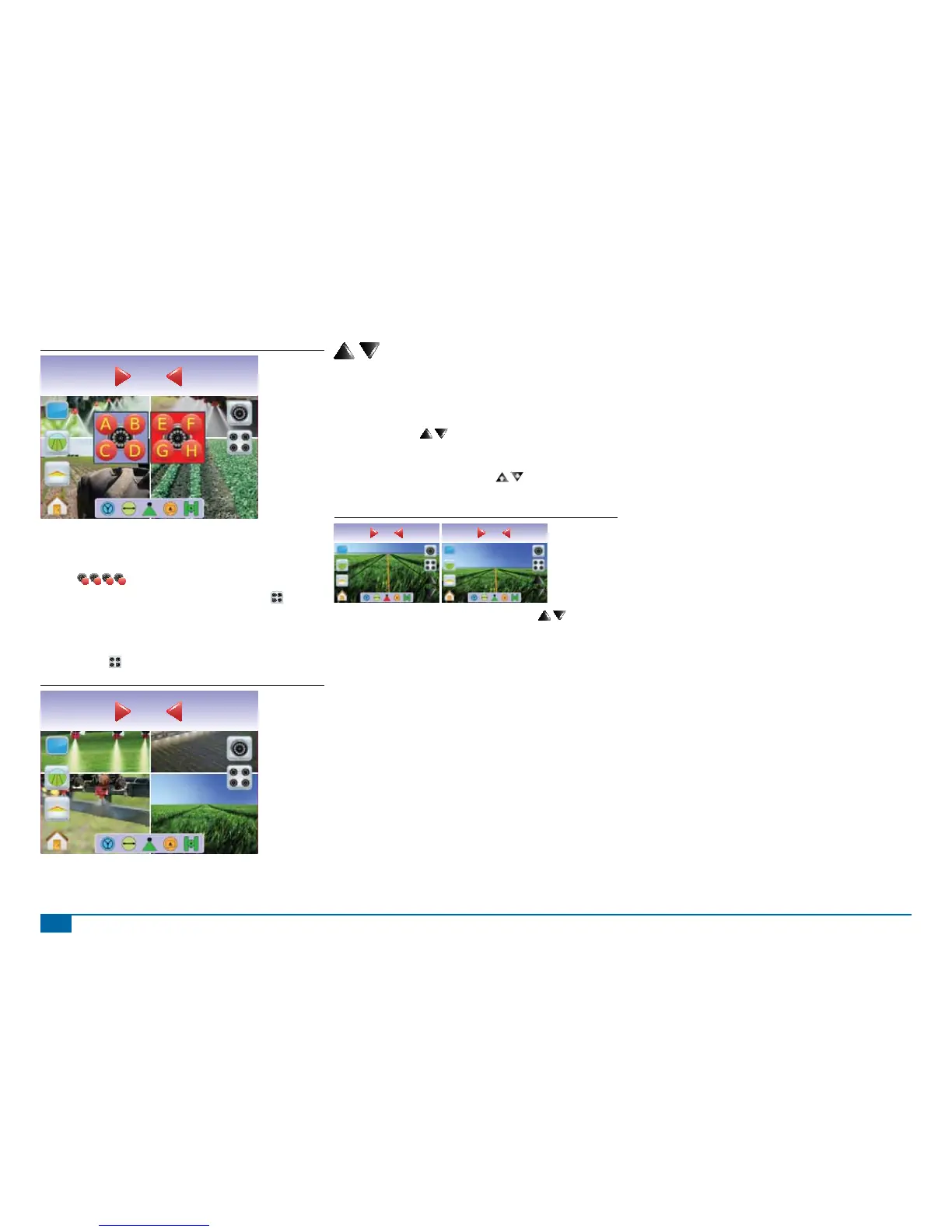
Figure 3-62: Split View Selection E/F/G/H
Swath acres
0.00
0.0
Four Channel VSM
When a four (4) channel VSM is on the system, up to four (4)
cameras can be installed. One set of four camera inputs (Cameras
A/B/C/D
A
B
C
D
) can be activated.
NOTE: If a VSM is not installed, the SPLIT VIEW ICON is not
available.
To change to split camera view:
1. Press the screen to activate the icons and select the SPLIT
VIEW ICON .
Figure 3-63: Split View Selection A/B/C/D
Swath acres
0.00
0.0
Guideline Adjustment
Guideline Adjustment is used to adjust the guidelines to match the
camera’s view.
To adjust the guidelines:
1. Press the screen to activate the icons and select the UP/DOWN
ARROW ICONS
.
◄Up Arrow will move the horizon line up
◄Down Arrow will move the horizon line down
NOTE: The ZOOM IN/OUT BUTTONS will not adjust the
horizon line up or down.
Figure 3-64: Guideline Adjustment
Swath acres
2.31
0.0
Swath acres
2.41
0.0
NOTE: Press & hold UP/DOWN ARROW ICONS to quickly
adjust settings.



 To Next Page