112
Management
This page allows user to reboot your device. All services will be terminated during rebooting.
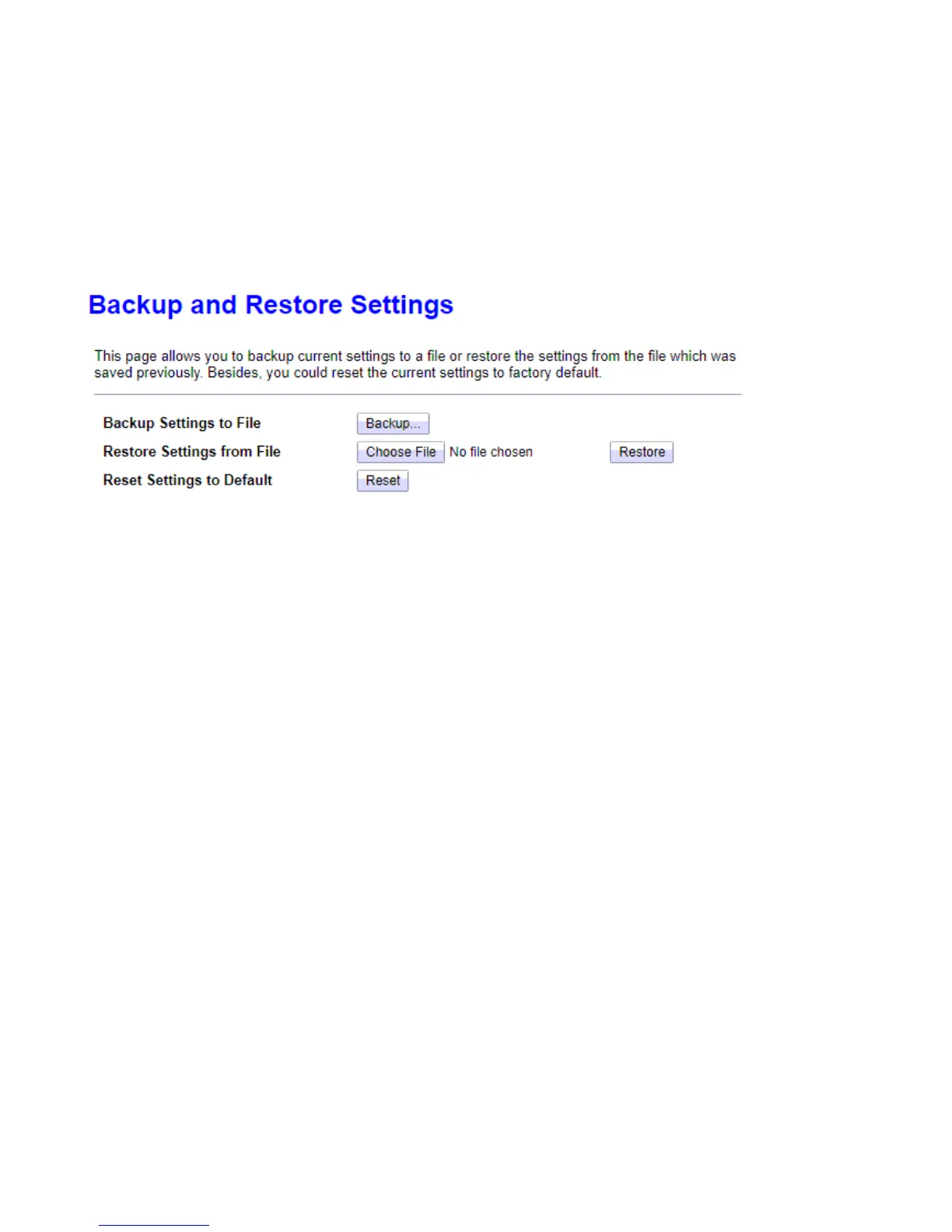
Backup/Restore
This page allows user to backup or restore the router settings to/from file.
Click Backup, a window appears, click save, and then browse the location where you want to save the backup
file
Click Choose File. Browse and Select the backup file. Then in the above page, click Restore.
Reset Settings to Default: Press Reset button to restart the device with factory default settings.



 To Next Page