27
LAN Port
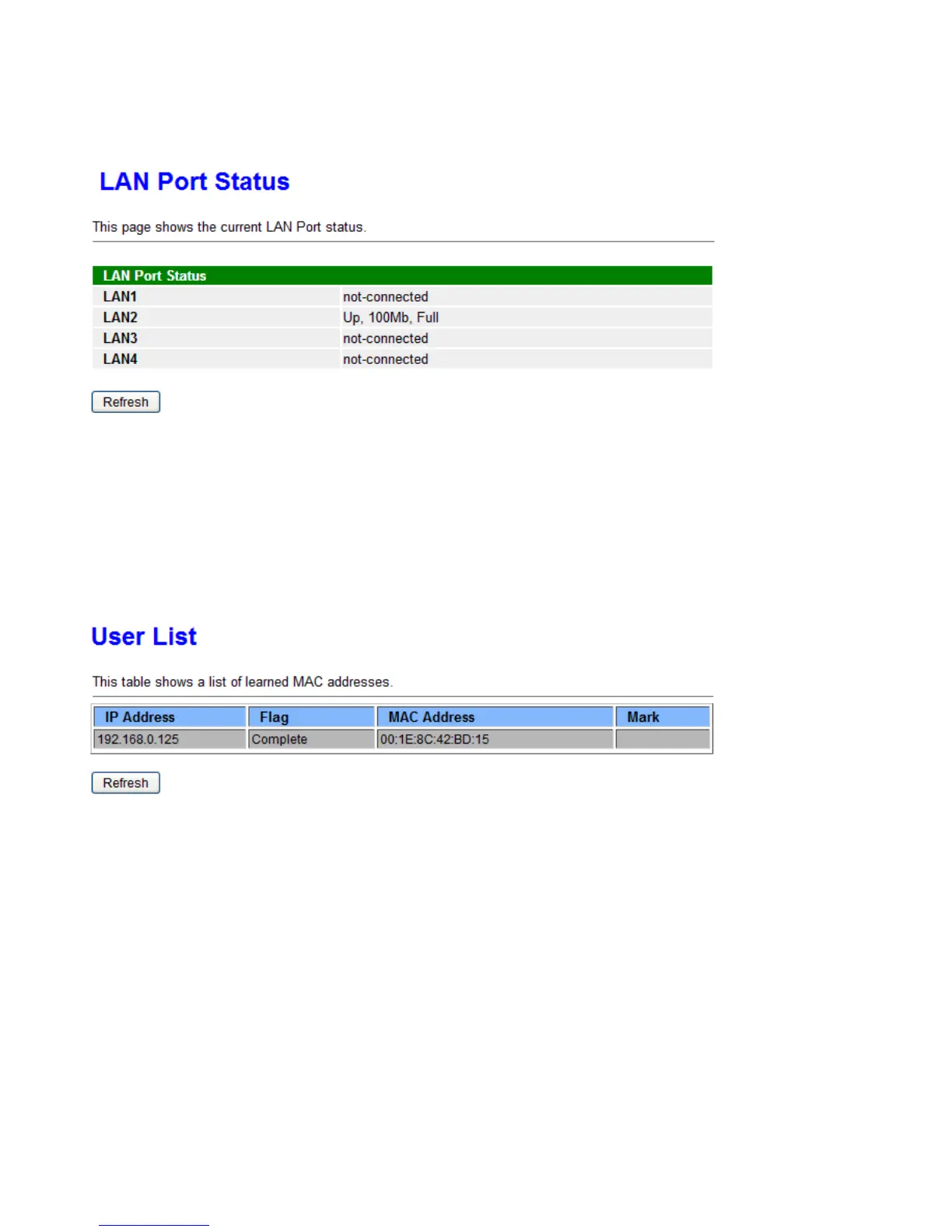
This page shows if the LAN port is connected and the working status, rate, and duplex mode.
ARP
This section displays the router’s ARP (Address Resolution Protocol) Table, which shows the mapping of
Internet (IP) addresses to Ethernet (MAC) addresses. This is useful as a quick way of determining the MAC
address of the network interface of your PCs to use with the router’s Security – MAC Filtering function.
ARP table
IP Address: Shows the IP Address of the device that the MAC address maps to.
Flag: Shows the current status of the ARP entries.
i Complete: the route resolving is processing well.
i M(Marked as permanent entry): the route is permanent.
i P (publish entry): publish this route item.
MAC Address: Shows the MAC address that is corresponded to the IP address of the device it is mapped to.
Mark: Show clearly the SSID (WLAN) the device is in.



 To Next Page