95
Routing
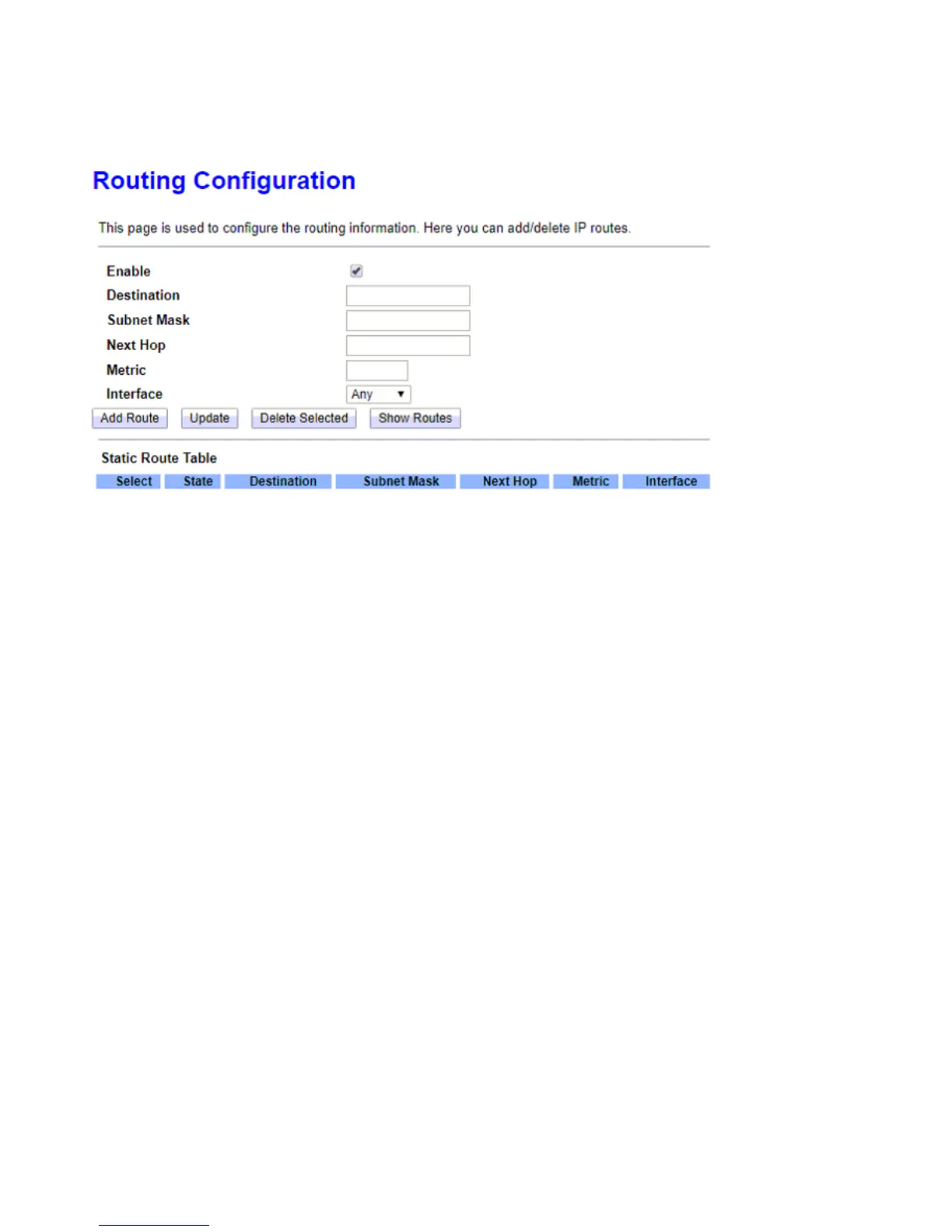
Enter the static routing information for an entry to the routing table. Click Add button when you are finished.
Enable: Checked to enable static route function.
Destination/Subnet Mask: Enter the destination IP address and the subnet mask.
Next Hop: Specify the gateway IP address for routing to next network.
Metric: Metric is a policy for router to commit router, to determine the optimal route. Enter one number
greater than or equal to 0.
Interface: Select an interface this route associated.



 To Next Page