24
PPTP
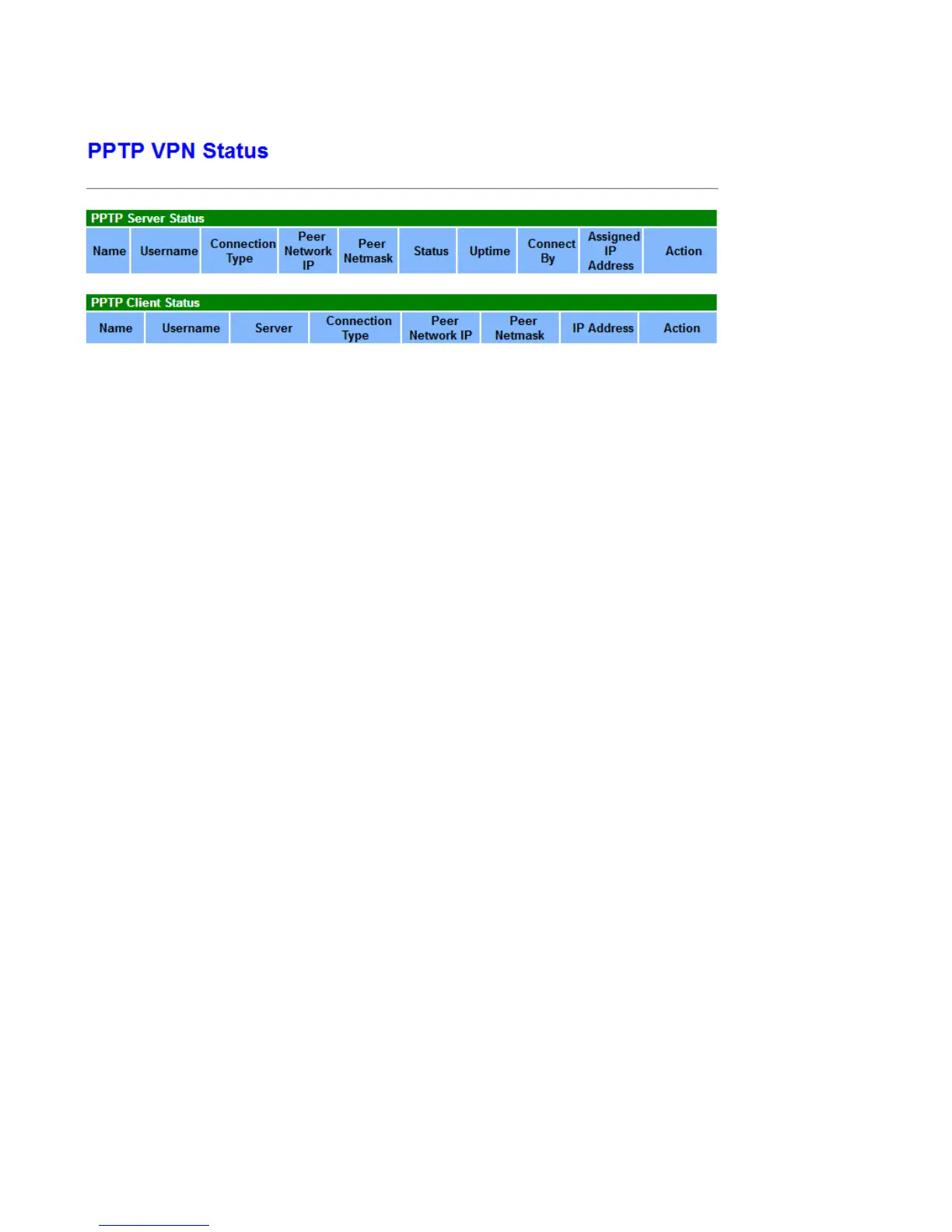
PPTP Server
Name: The PPTP connection name.
Connection Type: Remote Access or LAN to LAN.
Peer Network IP/Netmask: Display the remote (client side) network and subnet mask in LAN to LAN PPTP
connection.
Status: The connection status, connected or not.
Uptime: The uptime.
Connected By: Display the IP of remotely connected client.
Assigned IP Address: The IP address to be assigned to PPTP Client
Action: Act to the connection. Click Drop button to disconnect the tunnel connection.
PPTP Client
Name: The PPTP connection name.
Server: The PPTP server IP.
Connection Type: Remote Access or LAN to LAN.
Peer Network IP/Netmask: Display the remote (server side) network and subnet mask.
IP Address: Assigned IP by PPTP server.
Action: Act to the connection. Click Disconnect button to disconnect the tunnel connection.



 To Next Page