60
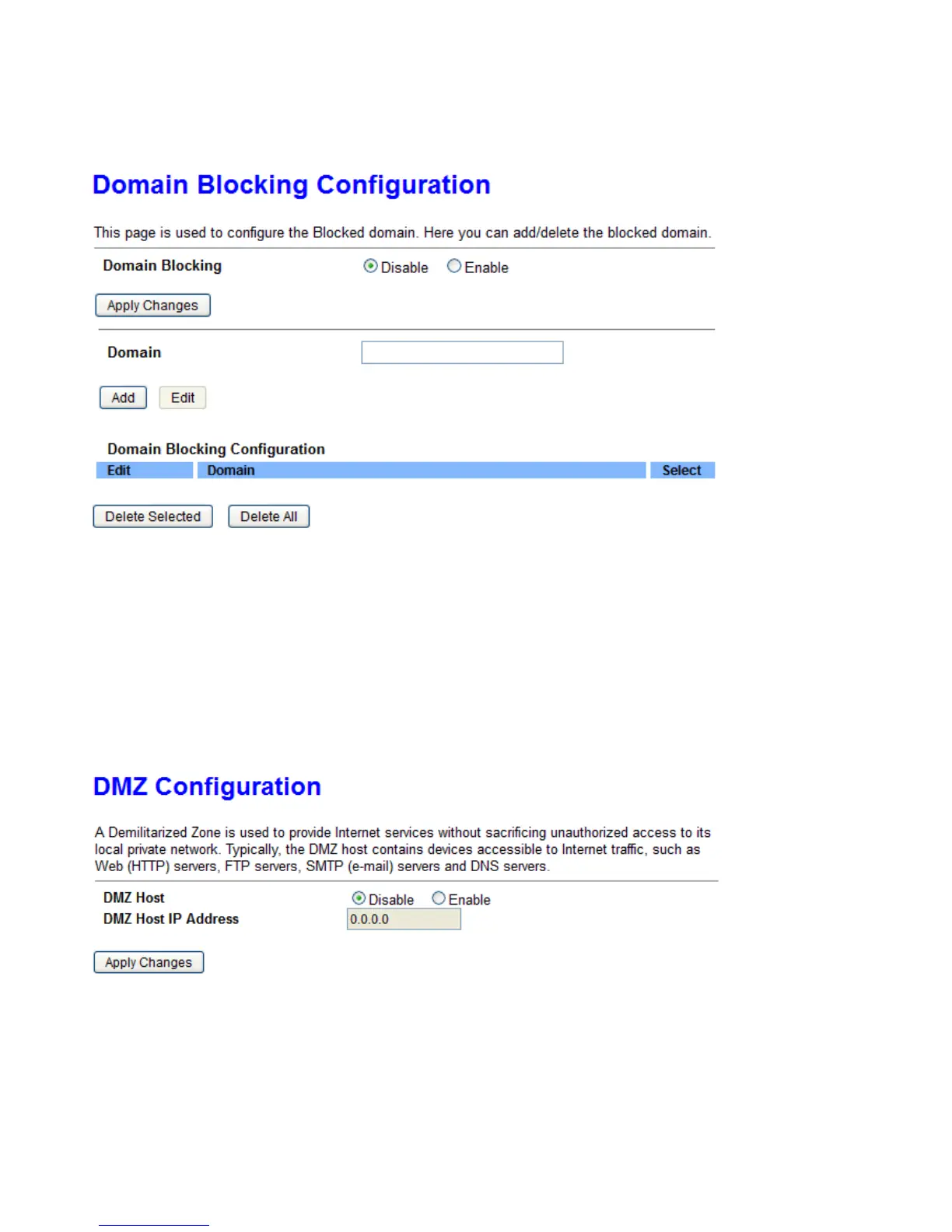
Domain Blocking
If any domain matches the pre-defined domain here, the connection to this domain will be blocked.
Domains Blocking: Enter the domain to be blocked.
DMZ
The DMZ Host is a local computer exposed to the Internet. When setting a particular internal IP address as
the DMZ Host, all incoming packets will be checked by Firewall and NAT algorithms before being passed to
the DMZ host.
DMZ: If to enable DMZ.
DMZ Host IP Address: Enter the IP Address of a host that you want to be a DMZ host. Select from the list box
to quick set the DMZ.



 To Next Page