63
RIP
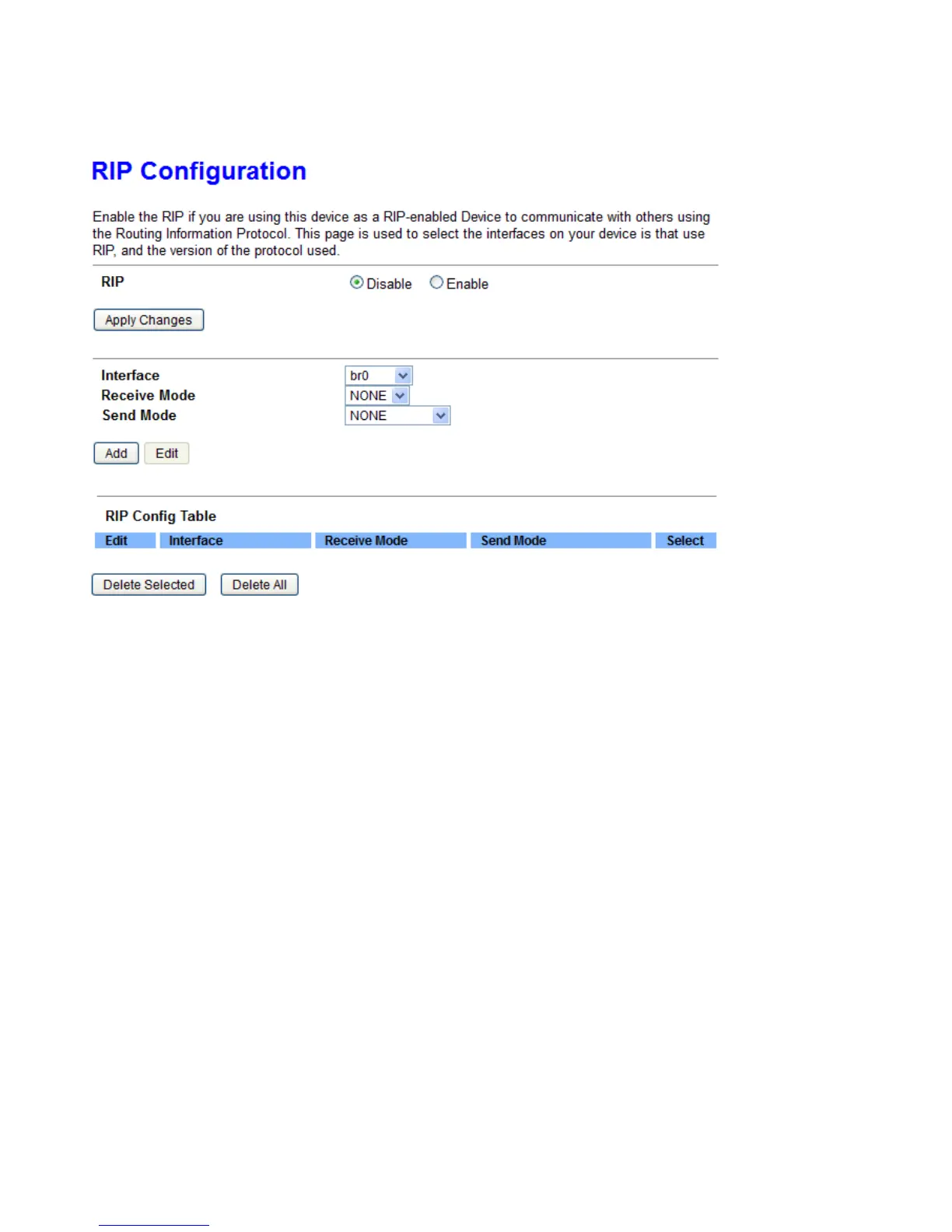
Enable this Routing Information protocol for the router to communicate with other rip-enable devices.
RIP: Select Enable, the router communicates with other RIP-enabled devices.
Interface: Choose the router interface that uses RIP.
Receive Mode: Choose the interface RIP version that receives RIP messages. You can choose RIP1, RIP2, or
Both.
Ø Choose RIP1 indicates the router receives RIP v1 messages.
Ø Choose RIP2 indicates the router receives RIP v2 messages.
Ø Choose Both indicates the router receives RIP v1 and RIP v2 messages.
Send Mode: The working mode for sending RIP messages. You can choose RIP1 or RIP2.
Ø Choose RIP1 indicates the router broadcasts RIP1 messages only.
Ø Choose RIP2 indicates the router multicasts RIP2 messages only.
Add: Click it to add the RIP interface to the Rip Configuration List.
Delete: Select a row in the Rip Configuration List and click it to delete the row.



 To Next Page