33
WLAN 2.4GHz / 5GHz
Basic Settings
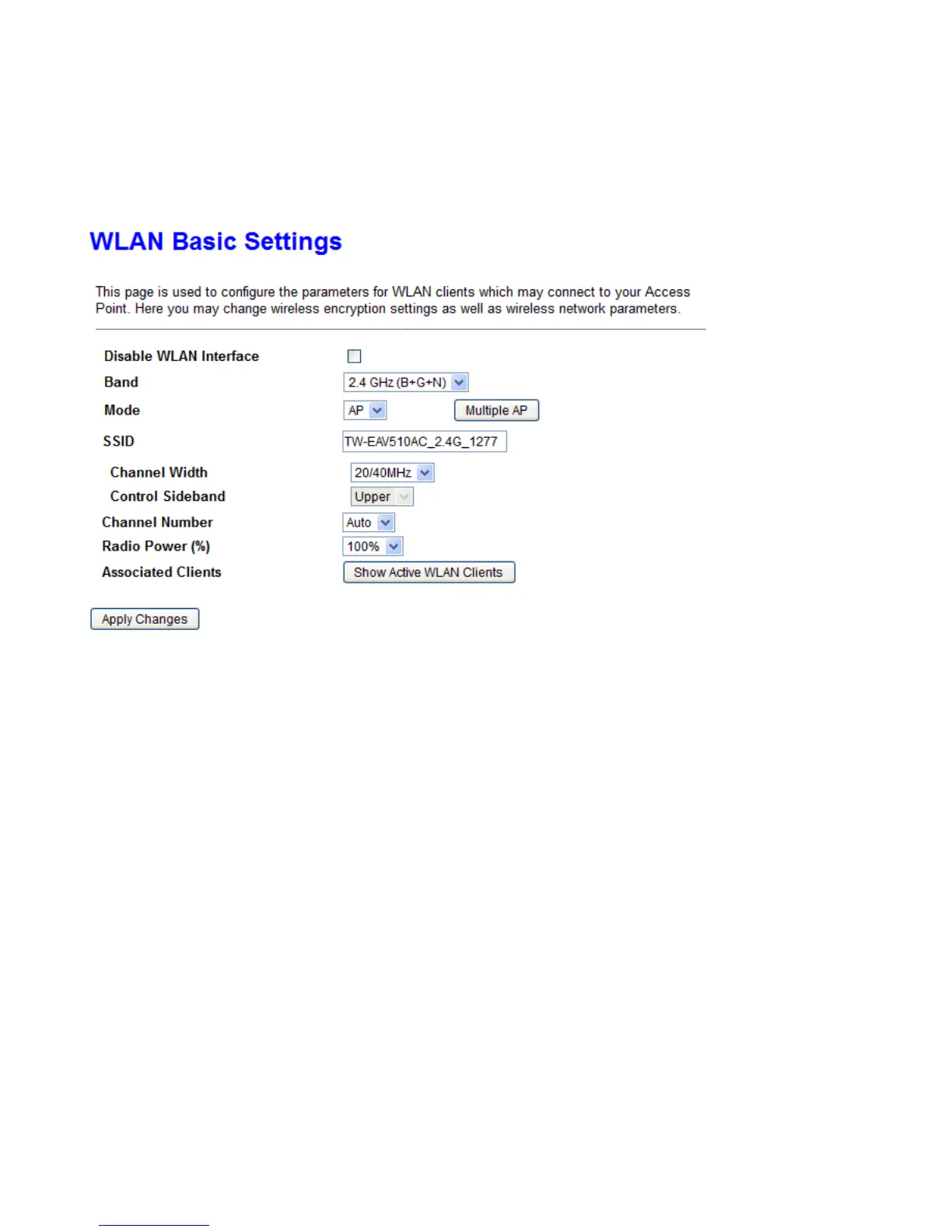
This page is used to configure the parameters for WLAN clients which may connect to your Access Point. Here
you may change wireless encryption settings as well as wireless network parameters.
Disable WLAN Interface: The WLAN 2.4G/5G function will be disabled when it is checked.
Band: Specify the mode for Wireless standard support.
Mode: Default is Access Point mode.
Multiple AP: This device supports up to 3 external SSIDs which can be used for different service.
SSID: Network ID is used for identifying the Wireless LAN.
Channel Width: Select channel bandwidth for wireless, bigger bandwidth can get higher link rate. But it also
depends on interference of your environment.
Control Sideband: This is available for 40MHz. Drop-down menu allows selecting upper sideband or lower
sideband.
Channel Number: The radio channel number. The permissible channels depend on the Regulatory Domain.
The factory default setting is auto channel selection.
Radio Power: Specify the transmitting power of your wireless signal.
S: Small / M: Medium / H: High
Associated Clients: Here you can view information about the wireless clients.



 To Next Page