19
Congratulations! You are now successfully logged in to the Firewall Router!
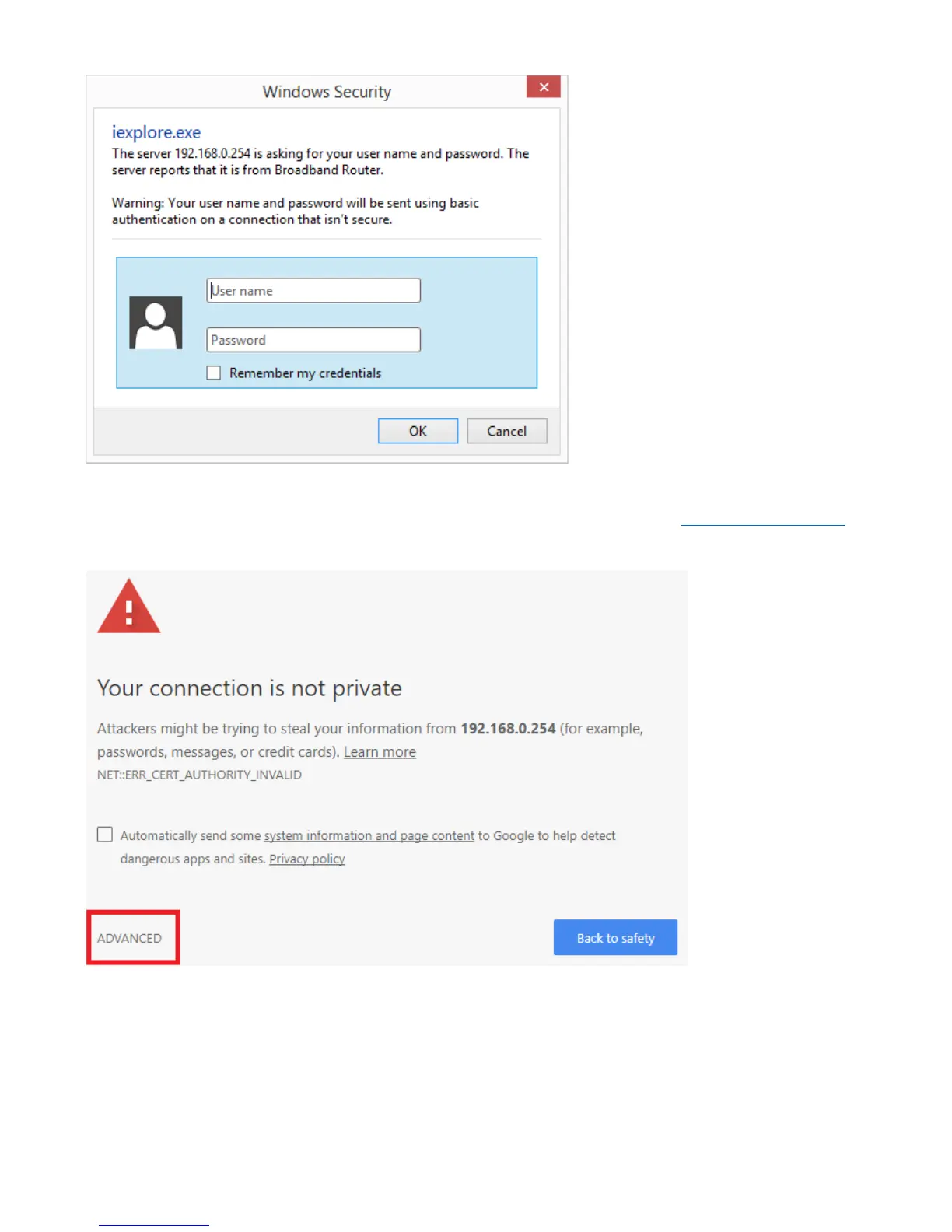
The TW-EAV510AC also supports the HTTPS connection, you can enter the URL: https://192.168.0.254 to
establish the secure connection between your PC and Router.
With the HTTPS connection, you will get warning message as below (Google Chrome Browser).
Just click the link “ADVANCED”, and then click link “Proceed to 192.168.0.254 (unsafe)” to establish
HTTPS connection with the router.



 To Next Page