38
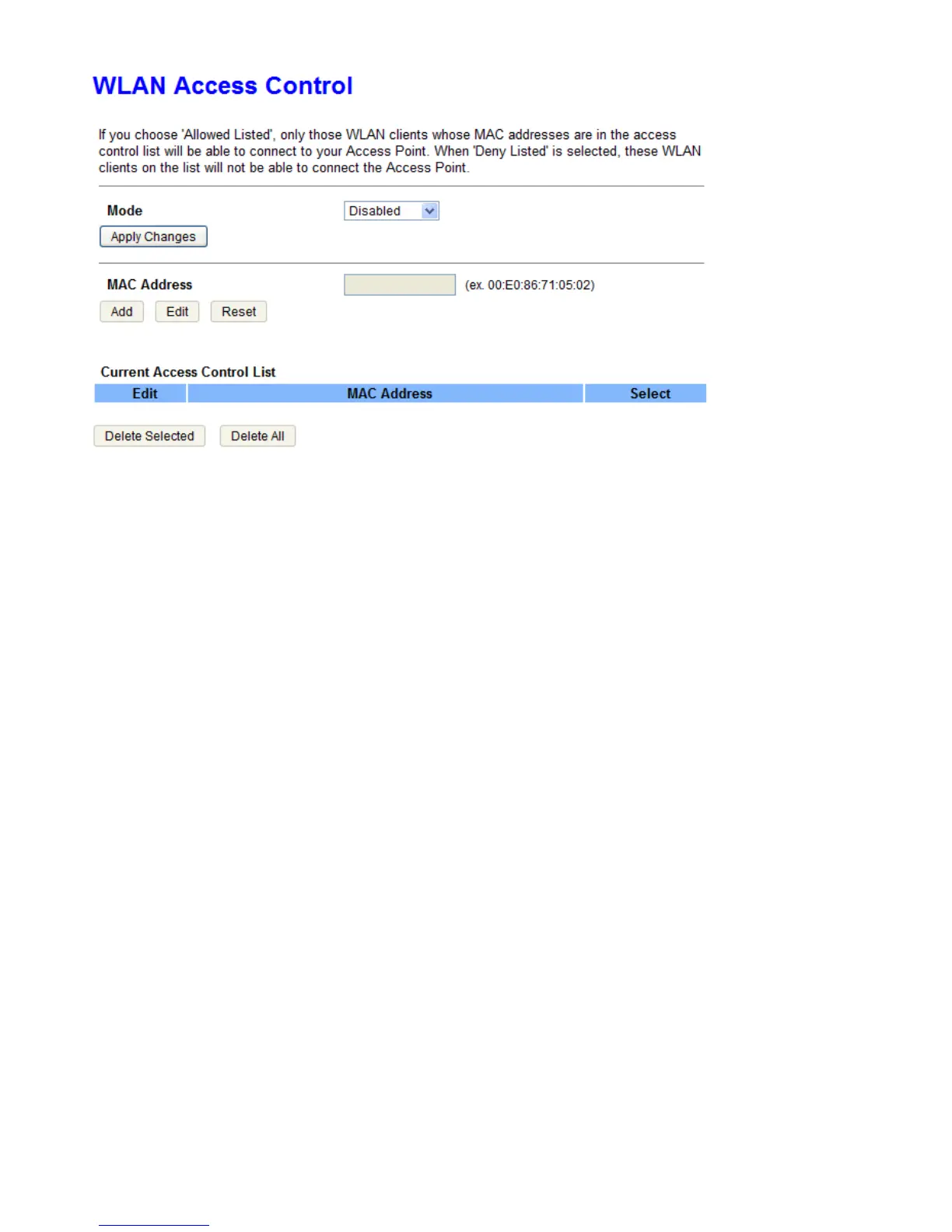
Mode: Select the mode for the action that will apply to the Current Access Control List.
MAC Address: Enter the WiFi client’s MAC address. Enter the Add button to add MAC address to the list.
Reset: User can click this button to clear MAC address that just entered.
Delete Selected: Click the button to delete all selected MAC addresses in the field named Select.
Delete All: Delete all the MAC address on Current Access Control List table.



 To Next Page