63
Operation
PTT Indicator Icons
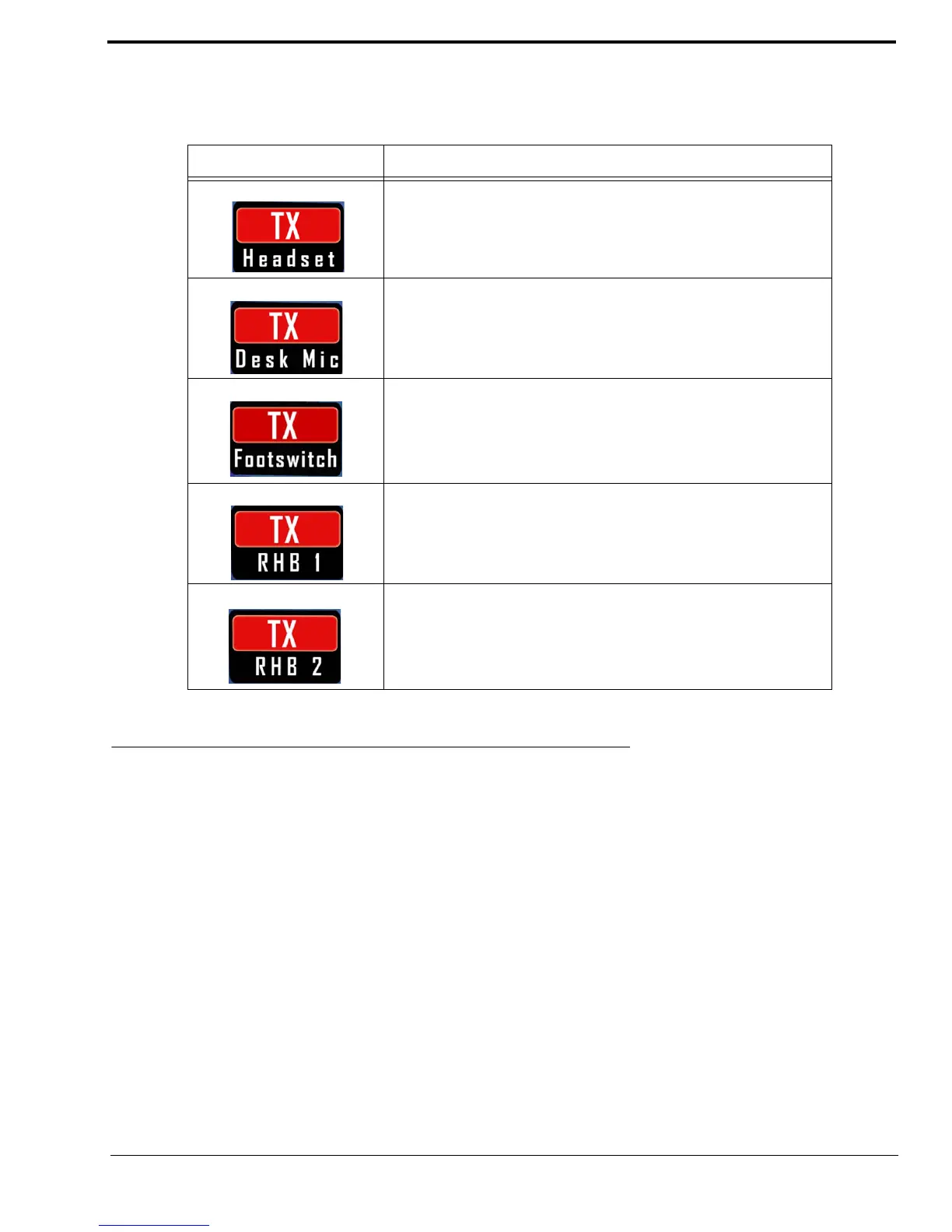
The PTT Indicator icons indicate the device that is currently generating a PTT.
Programming Mode
Once a softkey is pressed, the ADHB-4 switches to programming mode.
Available selections are: Network, Clock Mode, Backlight, System Info.
Network Menu
The Network menu is used to change the IP Address and the Subnet Mask for the ADHB-4.
NOTE:
• If permission to change the IP Address is disabled, a message To change IP or Subnet mask please refer to the
webpage appears on the display.
• For more information, see “Change IP On Display Check Box” on page 52.
TABLE 9. PTT Indicator Icons
Icon Status Description
When a PTT is generated from the controller headset, a TX headset
icon appears on the display.
When a PTT is generated from a desk mic, a TX Desk Mic icon
appears on the display.
When a PTT is generated from a footswitch, a TX Footswitch icon
appears on the display.
When a PTT is generated from a headset connected RHB 1, a TX
RHB 1 icon appears on the display.
When a PTT is generated from a headset connected to RHB 2, a TX
RHB 2 icon appears on the display.



 To Next Page